
Topic Archives

WordPress Block Editor

The WordPress Block Editor (Gutenberg) gives you full control over page and post layouts. We share practical tips, layout techniques, and the latest features. Whether you’re building custom blocks or working with core tools, these articles focus on helping you design better block-based WordPress themes.

View all WordPress articles

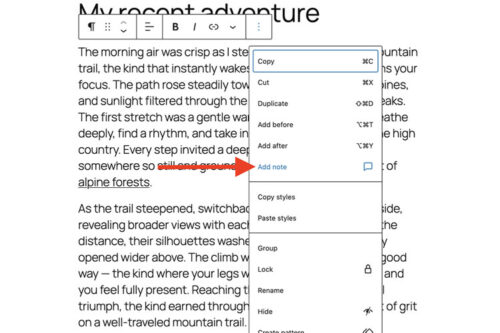
Quick Tip: How To Use WordPress Block Notes

Quick Tip: How To Use WordPress Block Notes

WordPress Notes adds block level comments to the Block Editor. We show you how to add a note to any block, reply in a thread, get email notifications, and mark notes as resolved for smoother collaboration.

8 Best Block Suites You Can Add to WordPress in 2026
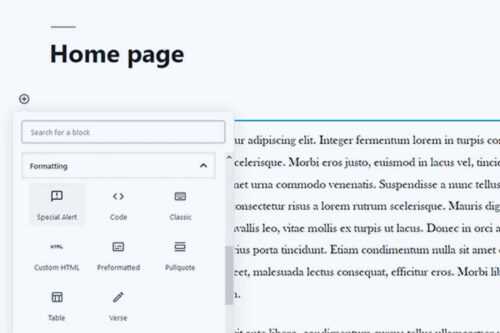
8 Best Block Suites You Can Add to WordPress in 2026

Since Gutenberg’s inclusion in WordPress core, the developer community has released a number of different block plugins. These are our favorites.

How To Create Custom Blocks for Gutenberg with Block Lab

How To Create Custom Blocks for Gutenberg with Block Lab

Custom WordPress blocks do not always require JavaScript. See how Block Lab uses a visual setup process, custom fields, and simple PHP templates to build reusable editor blocks.

How to Choose the Right WordPress Block Plugins
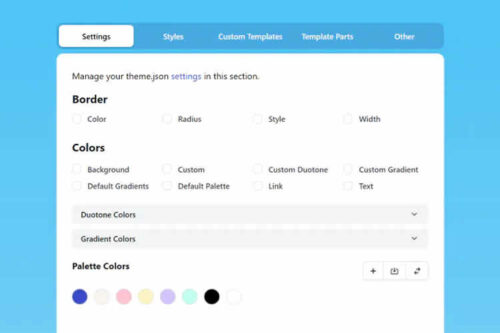
How to Choose the Right WordPress Block Plugins

WordPress block plugins can add useful layout and content options, but they should be chosen carefully. Learn how to assess your needs, review plugin quality, and avoid lock in problems.

How to Improve Custom Layouts Using the WordPress Block Editor

How to Improve Custom Layouts Using the WordPress Block Editor

We share three methods to enhance custom layouts with the WordPress block editor. Turn something basic into a highly-customized setup.

How to Use Block Template Parts in a Classic WordPress Theme

How to Use Block Template Parts in a Classic WordPress Theme

Classic WordPress themes can use block template parts without switching to a block theme. Learn how to add theme support, build a part in the Block Editor, save the markup, and call it from a PHP template.

10 Best Free Add-Ons for the Elementor WordPress Page Builder

10 Best Free Add-Ons for the Elementor WordPress Page Builder

If you’re looking to expand the capabilities of the Elementor WordPress Page Builder, we have ten free add-ons that are worth checking out.

Essential WordPress Block Theme Features for Web Designers
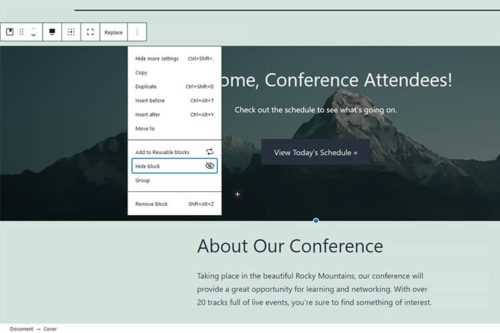
Essential WordPress Block Theme Features for Web Designers

The number of block themes is increasing, yet not all cater to the needs of web designers. We explore those key block theme features designed for professionals.

An Easy Way to Edit Block Visibility in the WordPress Gutenberg Editor

An Easy Way to Edit Block Visibility in the WordPress Gutenberg Editor

We share a collection of different ways you might utilize Block Visibility in the WordPress Gutenberg Editor.

How to Create Your Own Block Theme Within WordPress

How to Create Your Own Block Theme Within WordPress

Thanks to the new Create Block Theme plugin you can now create a block theme fully from within WordPress and even export it for use elsewhere.

An Introduction to WordPress Block Themes
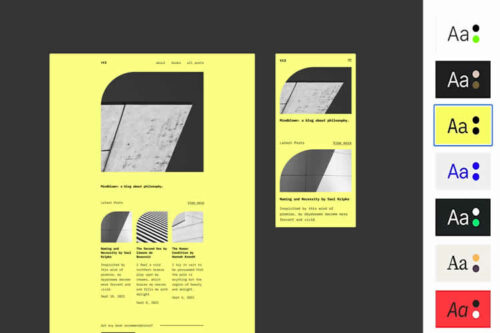
An Introduction to WordPress Block Themes

An introduction into the basics of WordPress block themes, and discussion on how they compare and contrast to traditional themes.

The Benefits of Using Block Themes in Your Next WordPress Project

The Benefits of Using Block Themes in Your Next WordPress Project