
Artificial intelligence (AI) technology can make life easier for WordPress developers. We can use it to increase our efficiency and coding capabilities. AI takes the pain out of tasks like troubleshooting a buggy code snippet or querying data.
Some of us are using AI to build custom plugins, but it doesn’t have to end there. We can also extend existing ones. This skill comes in handy when a free or commercial plugin doesn’t quite do everything you need. Everything from minor tweaks to complex features is possible.
For instance, we’ve used AI to generate a custom WooCommerce email when a specific product is ordered. Perhaps that doesn’t sound like an earth-shattering use case. But building such functionality without hours of research is a win in our book. About 30 minutes is all we needed to go from concept to finished product.
Let’s face it: Every WordPress project is nuanced. There are always things our clients would like to change – regardless of size or difficulty. AI can help us go from “Oh, no!” to “That was easy!”
With that in mind, here are some tips for using your favorite large language model (LLM) to extend an existing WordPress plugin.
Is This the Right Plugin for the Job?
Wouldn’t it be nice if the plugin you installed also did x, y, and z? It’s a common refrain when building a website. After all, the little details often separate the good from the great.
Perhaps a client requested a feature that differs from the plugin’s default behavior. Or maybe you had an idea for leveling up the user interface. It’s a great way to spark creativity and go the extra mile.
However, not every plugin is the right one for the job. Some extensions may be too complex and difficult to maintain, while others could take the plugin in a completely different direction. The result is an inefficient path to achieve your goals. In short, it’s an easy way to go down the old rabbit hole.
The WordPress plugin ecosystem is vast, and there are often multiple options for every need. As such, you may find that a different product is a better fit for your project. Look for a plugin that already does most of what you need. From there, extending will be easier.
It’s great that we can extend plugins using AI. Yet, that doesn’t mean we should extend every plugin. So, consider the pros and cons of a product before you dive in headfirst.

A Well-Documented Plugin Often Yields the Best Results
WordPress plugins come from all corners of the ecosystem. Thus, you’ll notice that some authors provide more thorough documentation than others.
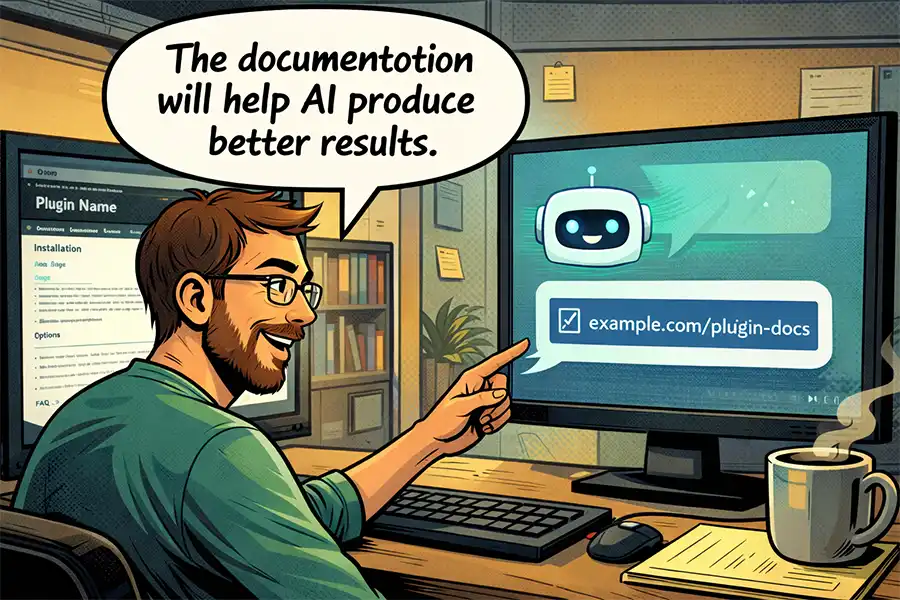
Well-documented plugins tend to be better candidates for an AI-generated extension. AI models will have ready access to that information, and it will likely improve your odds of a successful outcome.
Another side effect is that other developers have probably built extensions as well. AI can research forums and blog posts to understand how things work. Plugins often have custom functions, hooks, and filters that developers can tap into. The more information that’s available, the better.
Hint: Feel free to include any relevant documentation or demo links in your AI prompts. This ensures that the AI model is looking in the right place. It could save you from some trial-and-error when building an extension.
What if a plugin has little or no documentation? You may still have a chance to build on top of it. Upload the plugin or share a relevant snippet with AI. The model should be able to determine how things work and move forward from there.
Think About Structure and Future Maintenance
Let’s say that you’ve found the perfect plugin to extend with AI. Now what? You’ll want to think about the best way to structure your extension and how you’ll maintain it.
It’s always tempting to paste a few code snippets into your theme’s functions.php file. That may work in the short term. But what happens when it’s time to change to a new theme? You’ll have to do another copy-and-paste, or risk losing your custom functionality.
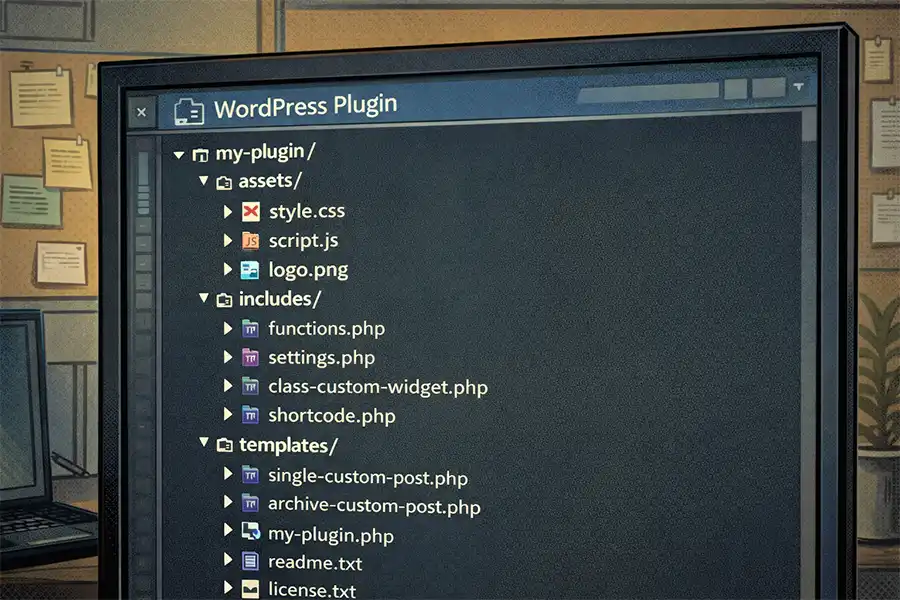
Placing your code into a custom plugin is usually the best option. This ensures that your functionality stays intact throughout your website’s lifespan. Better still, most AI apps can help you build a plugin structure that’s easy to maintain. A simple plugin might require a single file, while a more robust one could benefit from a tree structure.
Speaking of maintenance, that places another responsibility on your shoulders. It’s possible to build a custom extension that you won’t need to edit for years. However, it’s important to keep track of changes to the plugin you’re extending. For instance, a major change to Elementor or Gravity Forms could mean refactoring your code.
Building plugins that depend on other plugins is great – just be sure to understand what you’re getting into.
Make Your Existing WordPress Plugins Do More
AI is a great asset when extending an existing WordPress plugin. Explain what you want to achieve, share code and/or documentation, and let the app do the dirty work for you. It’s possible to have a working prototype within minutes.
That’s not to say the entire process is seamless. AI can make mistakes or misinterpret your instructions. As such, your generated code may require a few rounds of revisions. Not to worry! That’s still faster than writing something from scratch.
A word of advice: Ensure that your generated code uses security best practices. We have a handy guide to help you test. Taking a few extra minutes here will give you peace of mind.
Do you have an idea that makes an existing plugin even better? Now is a great time to experiment with a little help from AI.
Top