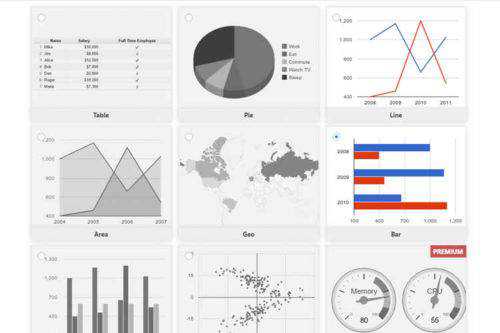
Collections of WordPress Plugins

Plugins add features, fix problems, and change how WordPress works. These collections include plugin roundups, reviews, and usage tips across many categories — from security and SEO to performance and content editing.

It’s a useful spot for finding those WordPress plugins that make a difference.

View Essential WordPress Plugins

Love a WordPress Plugin or Theme? Pay It Forward

Love a WordPress Plugin or Theme? Pay It Forward

By paying it forward to WordPress developers, we can positively impact the people and products that help make our websites better.

How Many WordPress Plugins Are Too Many?

How Many WordPress Plugins Are Too Many?

It seems like one the existential questions of our time – at least, for web designers. But for years, many of us have been trying to figure out the “right”…

How to Successfully Run a WordPress Multisite Network
How to Successfully Run a WordPress Multisite Network

As it can be difficult to keep track of plugins, themes, and users, we show you how to make your WP Multisite network the best it can be.

How to Deal With Outdated WordPress Plugins

How to Deal With Outdated WordPress Plugins

WordPress has been around for nearly a decade and a half. While that’s a pretty good run in terms of longevity, it also means that there are probably some websites…

How to Choose the Right WordPress Block Plugins
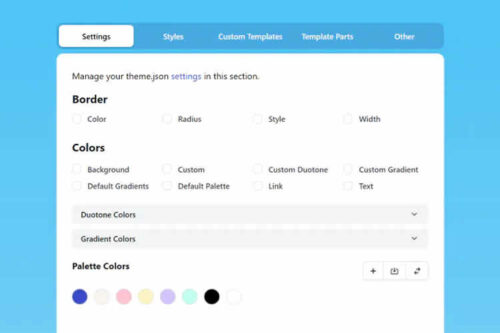
How to Choose the Right WordPress Block Plugins

WordPress block plugins can add useful layout and content options, but they should be chosen carefully. Learn how to assess your needs, review plugin quality, and avoid lock in problems.

How to Improve Custom Layouts Using the WordPress Block Editor

How to Improve Custom Layouts Using the WordPress Block Editor

We share three methods to enhance custom layouts with the WordPress block editor. Turn something basic into a highly-customized setup.

How to Build WordPress Websites That Better Respect User Privacy

How to Build WordPress Websites That Better Respect User Privacy

Building a privacy minded WordPress site means knowing what each tool collects. We cover realistic expectations, plugin and theme checks, local font hosting, privacy friendly embeds, and when to involve legal help.

How to Use Remote Data Blocks to Display Google Sheets Data in WordPress

How to Use Remote Data Blocks to Display Google Sheets Data in WordPress

Remote Data Blocks can pull data from services like Google Sheets and display it in WordPress blocks. This tutorial tests the setup, connects a Sheet using a Google Cloud service account, and then formats the output with a block pattern.

How To Protect Media Files Uploaded to WordPress

How To Protect Media Files Uploaded to WordPress

WordPress uploads are public by default, so your files can be hotlinked or pulled into search results. This article shows server-level hotlink blocking, noindex headers, and ways to protect attachment pages.

The Bad Habits That Can Hurt Your WordPress Website

The Bad Habits That Can Hurt Your WordPress Website

When you build a WordPress website, you open yourself up to an entire world of possibilities. That is both a good and bad thing. The built-in conveniences and ability to…

How to Build Client-Proof WordPress Websites

How to Build Client-Proof WordPress Websites

Handing off a new WordPress website to a client offers a great feeling of satisfaction. You provide a pixel-perfect rendering of a brand’s online presence and hope it plays a…

6 Best Plugins for Adding Two-Factor Authentication (TFA) to WordPress

6 Best Plugins for Adding Two-Factor Authentication (TFA) to WordPress