
Many options and technologies are available, not only to developers but also to regular users, for displaying a large volume of images on your website. The first that may spring to your mind are content, and image sliders, which are currently very popular, or you would maybe be thinking of the simpler method of using a lightbox attached to your images, or it could be the more advanced option of using a dedicated image gallery CMS.
With all of these new technologies and fresh ideas, it is very easy to forget about the always reliable and timeless grid-style image gallery.
In this post, we look at 18 free jQuery plugins that will allow you to quickly and easily build a lightweight and feature-rich jQuery image gallery. We’ve also included a few responsive lightbox plugins for good measure. Most of these plugins are responsive, but there are also a few non-responsive plugins, just in case you need them.
Block Slide (Responsive)
Block Slider is a modal window image gallery plugin for jQuery that can be used to create a simple image slider.

Photoset Grid (Responsive)
Inspired by Tumblr’s photoset feature, Photoset Grid is a simple jQuery plugin for arranging images into a flexible grid.

nanoGALLERY (Responsive)
nanoGALLERY is a responsive, touch-enabled, and easy-to-use image gallery plugin.

Justified.js (Responsive)
Justified.js is a jQuery plugin that creates a justified image grid of images.

Shuffle Images (Responsive)
Shuffle Images is a jQuery plugin that allows you to display and shuffle multiple images within a gallery by moving or shaking the cursor.

Magnific Popup Lightbox (Responsive)
Magnific Popup is a fast and lightweight, responsive lightbox plugin that’s also Zepto.js compatible.
Chocolat.js (Responsive)
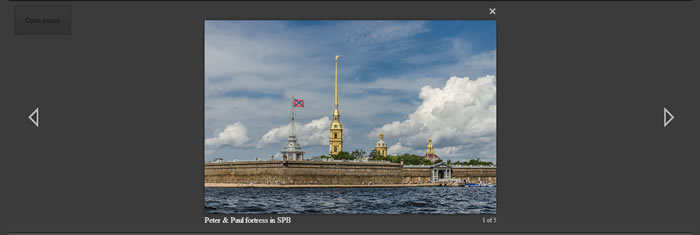
Chocolat.js is a responsive jQuery lightbox plugin.
Swipebox jQuery Lightbox (Responsive)
Swipebox is a responsive jQuery lightbox plugin that features swipe gestures for mobile, keyboard navigation for desktop, CSS transitions with jQuery fallback and retina support for UI icons.

Smoothbox Responsive Lightbox (Responsive)
Smoothbox is a simple, lightweight, and responsive jQuery lightbox script.

Fresco (Responsive)
Fresco is a responsive lightbox plugin that can be used to create stunning overlays that work great on any screen size.

Simple Lightbox (Responsive)
Simple Lightbox is a touch-friendly responsive image lightbox jQuery plugin.

Nivo Lightbox (Responsive)
Nivo Lightbox is a small and responsive jQuery Lightbox plugin. It comes with automatic content detection and features CSS effects and transitions.
jQuery lightgallery (Responsive)
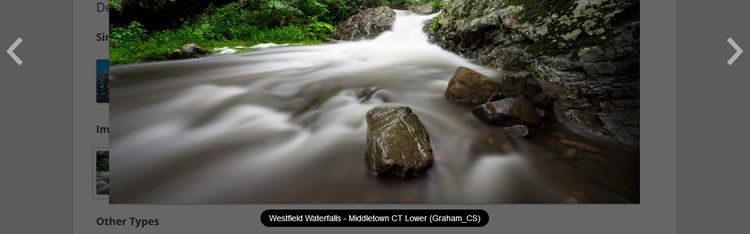
jQuery lightgallery is a lightweight, customizable, modular, and responsive lightbox gallery plugin.

anoFlow (Responsive)
anoFlow is a feature-rich and responsive lightbox and gallery plugin.

jPhotoGrid (Non-Responsive)
jPhotoGrid takes a simple list of images and captions and turns them into a stylish grid of photos that can be easily navigated and zoomed.

Galleria (Non-Responsive)
Galleria is a highly polished jQuery image gallery framework that is very easy to use yet loaded with advanced customization options.

Micro Image Gallery (Non-Responsive)
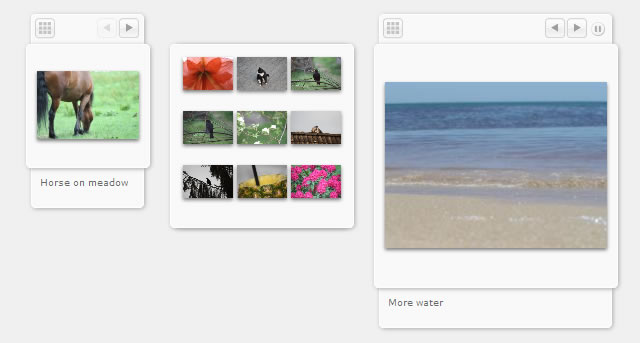
This is an improved version of the popular Micro Image Gallery, with many new features.
Sideways – Fullscreen Image Gallery (Non-Responsive)
Sideways is a smooth fullscreen image gallery plugin. It utilizes jQuery UI, jQuery Easing, and the jQuery mousewheel plugins to bring this impressive gallery together.

Related Topics
Top