WordPress Plugins, Themes & Tutorials

Powering over 43% of all sites on the web, WordPress is the most widely used CMS for building websites. Written in PHP, it’s open-source and highly extendable, which makes it a reliable choice for custom web projects of any size.

We cover practical topics like theme development, plugin recommendations, hosting comparisons, and AI prompts. Whether setting up a basic site, eCommerce store, or building something even more complex, you will find guidance here that’s based on real projects.

Our WordPress articles focus on what works, what breaks, and what to avoid. You’ll also find useful tips on performance, security, SEO, and block-based design.

The goal is simple: help you build better WordPress websites with fewer problems along the way.

How to Hide WordPress Blocks Based on Device

How to Hide WordPress Blocks Based on Device

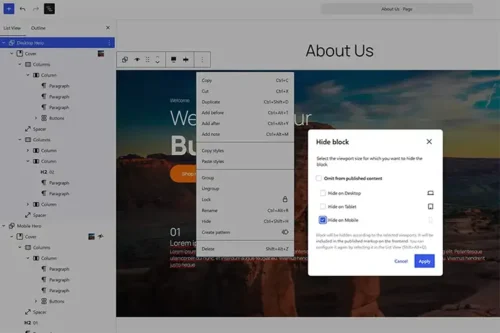
WordPress 7.0 adds responsive Block Visibility controls for the Block Editor. Learn how to create separate desktop and mobile blocks, hide each one by device, and test the result.

How To Make Your WordPress Website AI-Friendly
How To Make Your WordPress Website AI-Friendly

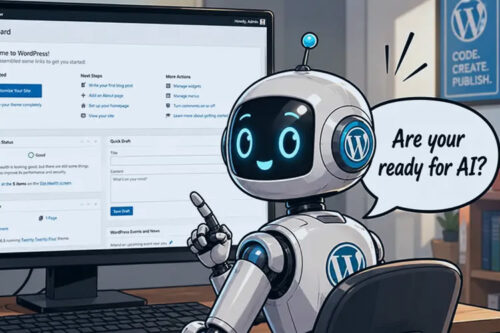
AI search is changing how people reach websites. This article shows how to make WordPress more AEO friendly with robots.txt, sitemaps, agent readiness checks, Markdown output, and helpful resources.

How Low Will You Go for a WordPress Project?

How Low Will You Go for a WordPress Project?

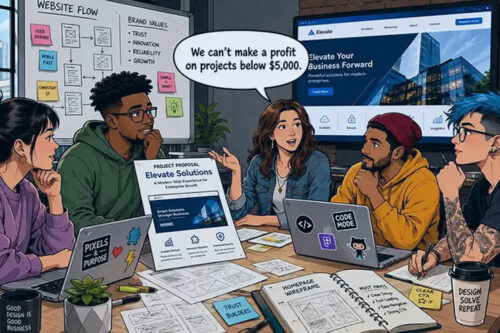
Booking projects is a challenge for every new WordPress agency. So, you often take what you can get. That includes low-revenue and otherwise unappealing gigs. Everyone has to start somewhere,…

10 Best Free Responsive Slider & Carousel WordPress Plugins

10 Best Free Responsive Slider & Carousel WordPress Plugins

A collection of the best free WordPress plugins for creating user-friendly and responsive sliders, carousels, and slideshows.

Cherish Your Tokens, Grumpy Designer

Cherish Your Tokens, Grumpy Designer

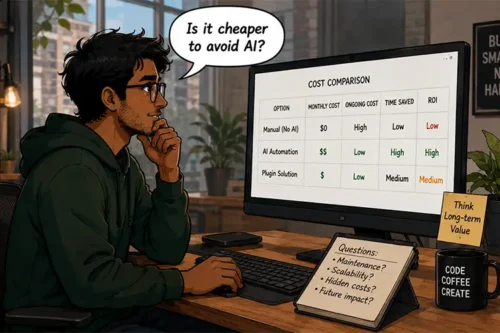
In case you didn’t notice, it’s getting more expensive to ride the AI bandwagon. Web professionals are using the technology to do more than write code. We’re also employing it…

AI in the WordPress Dashboard: Which Tasks Are Worth It?
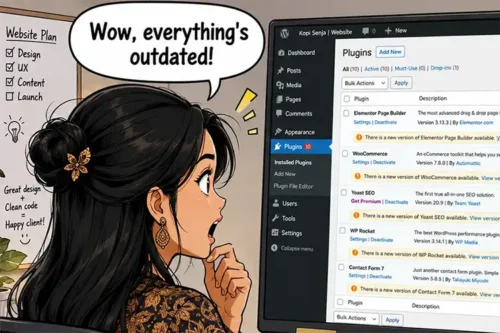
AI in the WordPress Dashboard: Which Tasks Are Worth It?

WordPress 7.0 brings AI integration through the Connectors API, but not every task needs it. Learn how to judge when AI saves time, when plugins are enough, and how token costs affect the decision.

5 Things To Know About Your Client’s WordPress Website
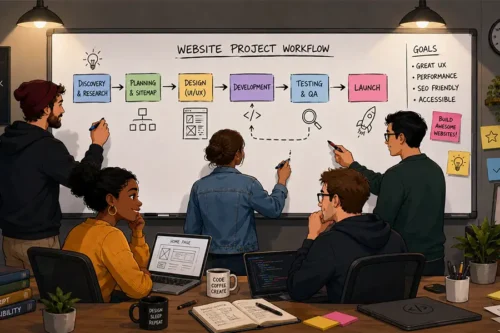
5 Things To Know About Your Client’s WordPress Website

Inheriting a WordPress site can be risky without a full review. This article covers what to check first, including themes, plugins, custom code, hosting, APIs, DNS, and unused tools.

How Consistency Benefits Your WordPress Agency

How Consistency Benefits Your WordPress Agency

A consistent agency process can reduce chaos and save time. Learn how trusted themes, preferred plugins, organized billing, client communication, and project management tools can make work more predictable.

Best WordPress Staging Site Tools & Resources in 2026
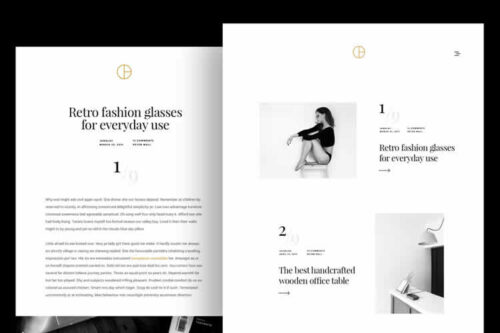
Best WordPress Staging Site Tools & Resources in 2026

A WordPress staging site gives you a safe place to test updates, new plugins, custom code, and AI tools before touching production. Learn hosting, local, and plugin-based options.

20+ Best Free Minimal Themes for WordPress in 2026
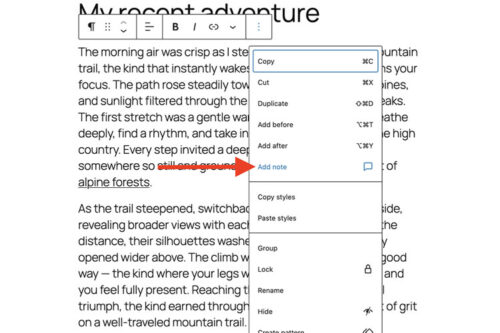
20+ Best Free Minimal Themes for WordPress in 2026

Find the perfect free minimalist WordPress theme for your website. All themes are perfect for showcasing your content with clean design.

Quick Tip: How To Use WordPress Block Notes
Quick Tip: How To Use WordPress Block Notes

WordPress Notes adds block level comments to the Block Editor. We show you how to add a note to any block, reply in a thread, get email notifications, and mark notes as resolved for smoother collaboration.

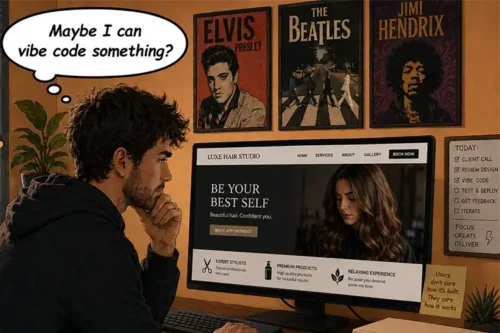
A New Choice: Use an Existing Plugin or Vibe Code Your Own?

A New Choice: Use an Existing Plugin or Vibe Code Your Own?