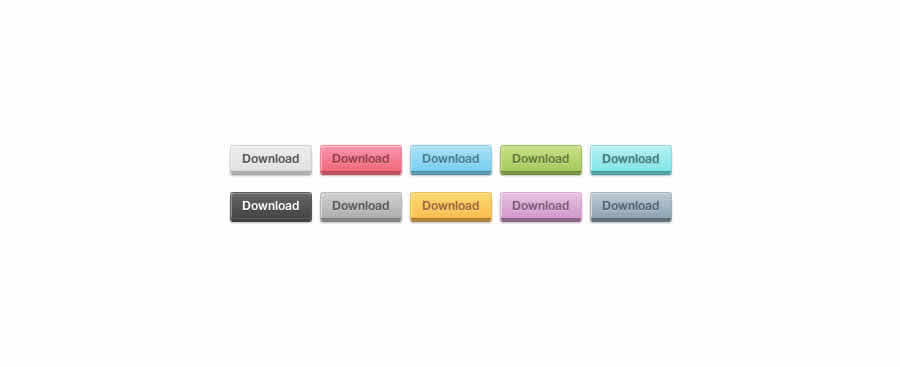
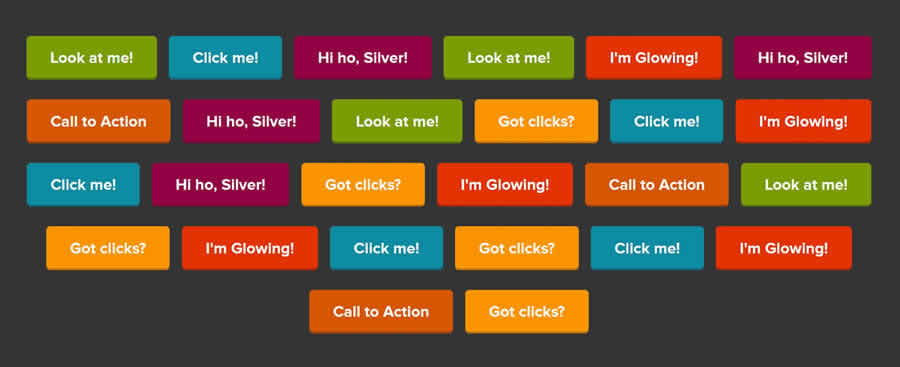
With all the talk of CSS3 at the moment, its easy to overlook the impact Javascript, especially jQuery, can have on the appearance of the basic web button. As such, we have collected 20 useful CSS buttons techniques that have all been improved and enhanced by the sooper-dooper power of jQuery.
You may also like:
24 CSS (in some cases with jQuery) Navigation and Menu Tutorials »
22 CSS Button Styling Tutorials and Techniques »
Creative Button Animations with Sprites and jQuery

This tutorial will show you how to build creative hover animations for buttons using sprites. Part 1 of this tutorial explains the design process in Photoshop and in, in part 2 you will learn how to convert it to XHTML + CSS, and finally adding a fading hover effect with jQuery.
GitHub-Style Buttons with CSS and jQuery (or MooTools, or the Dojo JavaScript)

GitHub seems to understand that most repo sites are usually boring so they’ve spiced their site up with some catchy CSS and great JavaScript features. One tiny piece of the GitHub design that stands out above everything are the lovely basic buttons that they currently use.
In this tutorial you will learn how to recreate those GitHub-style buttons with a little bit of HTML, CSS, and JavaScript.
Cross-Browser Rounded Buttons with CSS3 and jQuery
jQuery Imageless Buttons a la Google

This jQuery plugin is an attempt to recreate Google's imageless buttons and prove that it doesn't take a whole team of engineers and an endless cycle of code revision and quality control (their own words) to pull this off.
These buttons automatically adapt to paddings and any other styling you wish to use. They allow for a lot of stylistic customisatoin via a few lines of css while keeping all the display critical css rules hidden deep inside the plugin.
Animated “Call to Action” Button

In this tutorial, you’ll find a walkthrough for creating a "Call to Action" button sprite in Photoshop as well as how to use jQuery to animate it. This tutorial is broken up into three sections: Photoshop, HTML/CSS, and JavaScript.
Nice Menu : CSS Animation & jQuery Animate

With this button, there are two basic CSS techniques that you will need to know – opacity and how to widen the button. Opacity is an effortless technique since it is supported by CSS, while widening the button is a CSS only technique by increasing the button’s current padding. So, when the user mouseover the button you will add its padding to make it wide and decrease the button’s opacity when user click it. You will then add some jQuery animation to bring this "nice" pure CSS button to life.
With CSS the button looks nice enough, but with
Skype-Like Buttons Using jQuery

If you use Skype I am sure that you noticed that animated button for adding more people to a chat. When you click on it the icon on the left "jumps" And, in this tutorial you will learn how to create the same button using jQuery and some simple CSS.
jQuery iPhone Style Ajax Switch

In this tutorial you'll learn how to make a simple ajax request using the functionality of the iPhone buttons to trigger a script to return a string based on whether the switch is on or off. You need to include the ‘jquery.iphone-switch.js’ file along with jQuery which is included in the download package.
jQuery UI CSS Framework Buttons and Toolbars

These buttons are coded real-world examples of themeable buttons and toolbars using the jQuery UI CSS Framework, a system of classes developed for jQuery UI widgets that can easily be applied to any plugin, and even static content.
Simple "Call To Action" Button With CSS & jQuery

In this tutorial you’re going to create an effective 'call to action' button with CSS and some jQuery to help grab the user’s attention and entice them to click .
Scalable CSS Buttons Using PNG and Background Colors (With added jQuery)

With this tut you can learn how to build dynamic CSS buttons using PNG, transparency and background colors that will degrade nicely and supports full scalability (resizeable in all directions according to the font size and content).
Create a Simple Interactive CSS Button with jQuery

In this tutorial you will be creating a button that will replace the default submit button, that will degrade gracefully, animated withy jQuery and very very easy to implement.
jQuery Glowbuttons
Menu Buttons in 20 Lines of jQuery
Button Hover Fading Transition with jQuery
Cursor Hover Plugin

This plugin lets you create a two-layer button with one layer that follows the mouse. This method allows you to create some very professional effects on your site. The example below duplicates the Windows 7 start bar button hover functionality.
jQuery hashchange event

This plugin is, by design, very basic. If you want to add lot of extra utility around getting and setting the hash as a state, and parsing and merging fragment params, check out the jQuery BBQ plugin. It includes this plugin at its core, plus a whole lot more, and has thorough documentation and examples as well.
iPhone Style Radio and Checkbox Switches using JQuery & CSS
Fancy Radio Buttons With jQuery

When a user clicks on a select button it initiates a click function in jQuery. The first action is to remove the highlighting on the old row. Then you find the radio button of the new selection and add a checked state to it. Finally you add a new style class on to the column which gives the visual impact that a selection has been made.
Awesome CSS3 & jQuery Slide Out Button

The inspiration for this button comes from photoshop.com where Flash is used to create a nice slide out effect. This button does not behave exactly the same, but the effect is awesome. It does not use any images and uses the border radius property to make the rounded borders.
The button consists of three parts: a container, the little button and the longer button. The two inner parts have absolute positioning. With jQuery, you will enlarge the long button and change the colors of the small one.
You might also like…
10 Mind-Blowing Experimental CSS3 Techniques and Demos »
30 Pure CSS Alternatives to Javascript »
15 CSS3 Navigation and Menu Tutorials and Techniques »
20 CSS3 Tutorials and Techniques for Creating Buttons »
24 CSS (in some cases with jQuery) Navigation and Menu Tutorials »
22 CSS Button Styling Tutorials and Techniques »
CSS References, Tutorials, Cheat Sheets, Conversion Tables and Short Codes »
50 Useful Tools and Generators for Easy CSS Development »
50 Essential Web Typography Tutorials, Tips, Guides and Best Practices »
The Blueprint CSS Framework – Tutorials, How-to Guides and Tools »
20+ Resources and Tutorials for Creative Forms using CSS »


Pingback: 20 Awesome jQuery Enhanced CSS Button Techniques | TopRoundups
Pingback: 20 Awesome jQuery Enhanced CSS Button Techniques | 10 popular
Pingback: 20 Awesome jQuery Enhanced CSS Button Techniques – Speckyboy … | My Blog
Pingback: Descubrimientos del 26 Mayo 2010 | Blog de unique3w
Pingback: 20 Awesome jQuery Enhanced CSS Button Techniques – Speckyboy Design Magazine : Popular Links : eConsultant
Pingback: DesignLint | Specky Boy Finds 20 jQuery and CSS3 Button Techniques
Pingback: 20 Awesome jQuery Enhanced CSS Button Techniques – Speckyboy Design Magazine | Brian Chaney
Pingback: 20 Awesome jQuery Enhanced CSS Button Techniques – Speckyboy Design Magazine « Blog
Pingback: 20 Awesome jQuery Enhanced CSS Button Techniques – Speckyboy Design Magazine | とっても! ちゅどん(雑記帳)
Pingback: 20 Awesome jQuery Enhanced CSS Button Techniques – Speckyboy Design Magazine « Guide Weblog
Pingback: Elsewhere, on May 27th - Once a nomad, always a nomad
Pingback: 20 Awesome jQuery Enhanced CSS Button Techniques – Speckyboy Design Magazine « Information Site Weblog
Pingback: [JAVASCRIPT] 20 Awesome jQuery Enhanced CSS Button Techniques – jQueryを使ったボタン表現 - mBlog
Pingback: Weekly Town Crier
Pingback: 20 Awesome jQuery Enhanced CSS Button Techniques « nidpor – western snapper – tawny jam
Pingback: Most Popular Design Links of the Week 24-30 May 2010
Pingback: TWEESAP.COM
Pingback: Css ile buton yapma | web tasarım ve internet magazin
Pingback: 便利なCSS関連の情報 :Brilgue
Pingback: Css ile buton yapma « furkanknyl
Pingback: 350+ CSS Techniques for 2010. Roundup from DesignFloat | Infopioneer
Pingback: 350+ CSS Techniques for 2010. Roundup from DesignFloat | DesignFloat Blog