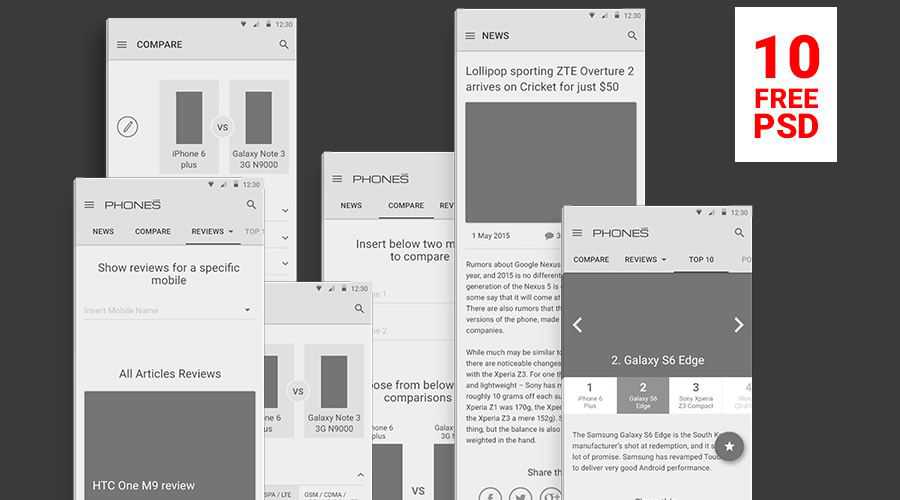
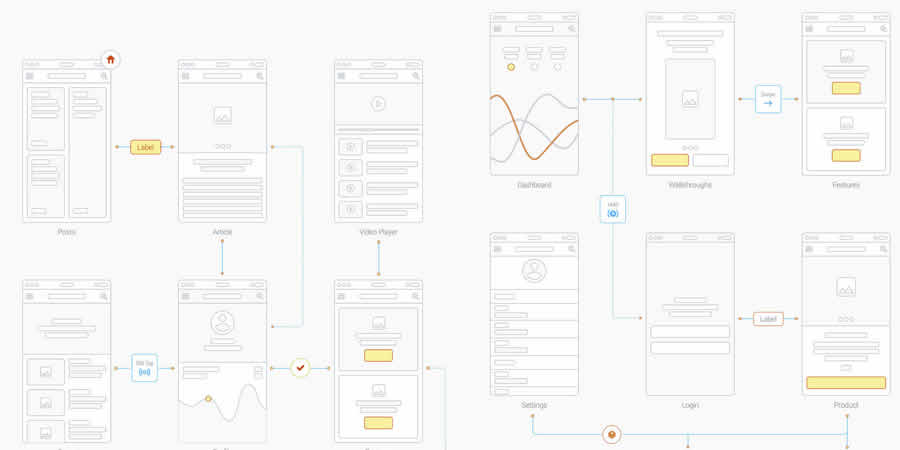
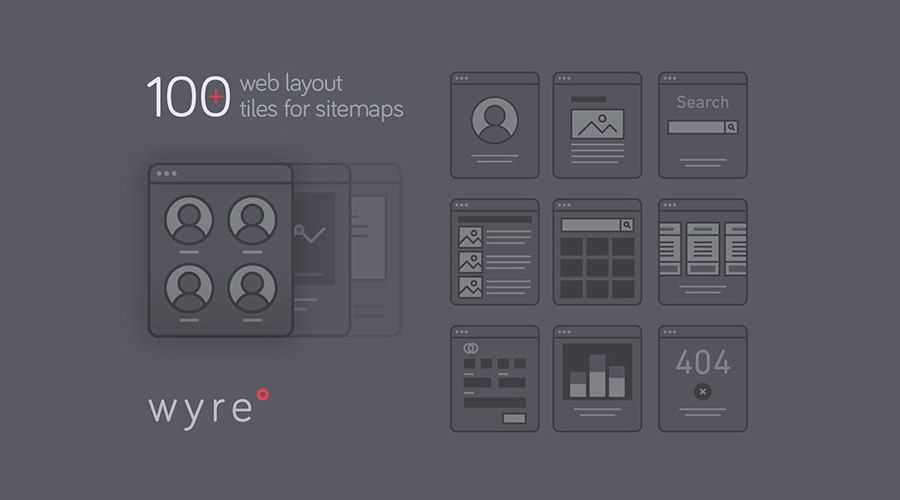
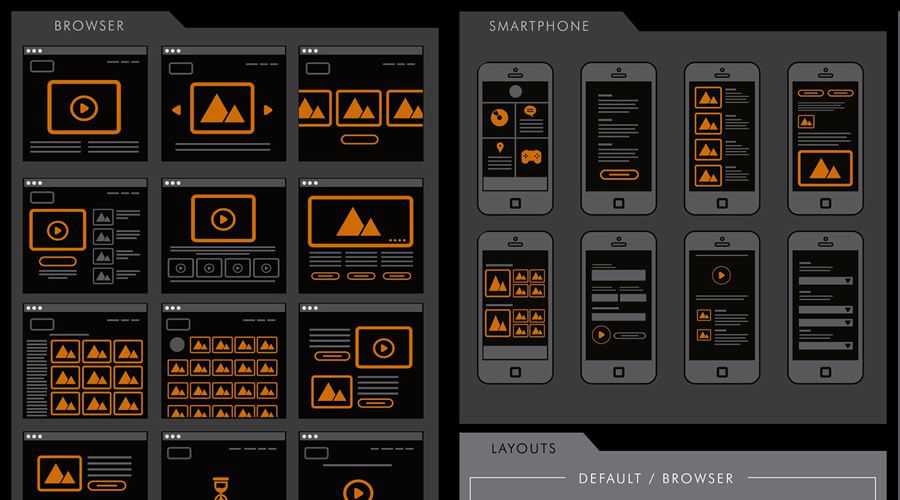
Every web designer and developer should have a good and reliable wireframe (mockup or prototype) tool at there disposal. The importance of such a tool differentiates amongst web designers and developers, some use them, some don’t. Personally, I use them. It is in this initial stage of development that makes web design enjoyable, the coming together of the clients needs and your own creative ideas onto a blank canvas, allowing you to plan effectively the visual arrangement of the sites content.
The downside is that a good and reliable wireframe application can come at a heavy price, have you seen the cost of a good wireframe application? Prices can vary from as low as $100 all the way up to over $4000. Who has this kind of mine to throw around? Certainly no freelancer developer I know.
So, what options do you have? There are certainly a fair few free web apps and tools you can use, and that is what I have collated for this article – The Ten Best FREE Wirefame/Mockup/Prototype applications for designers and developers.
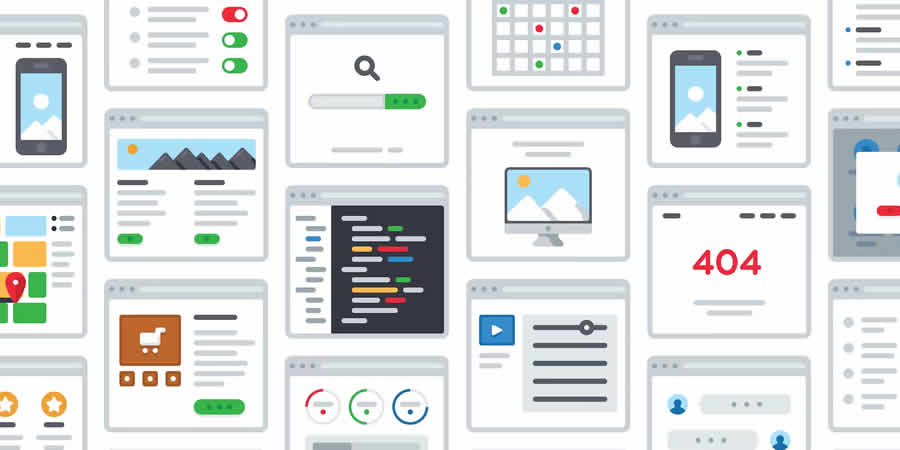
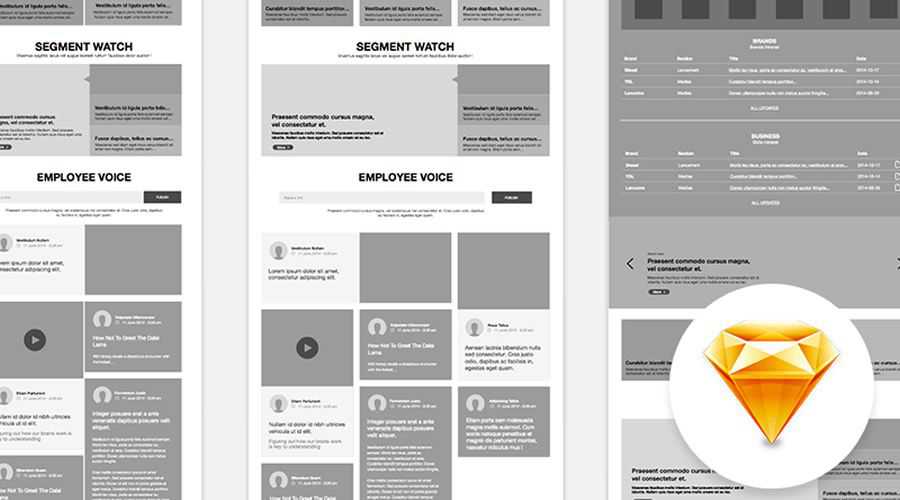
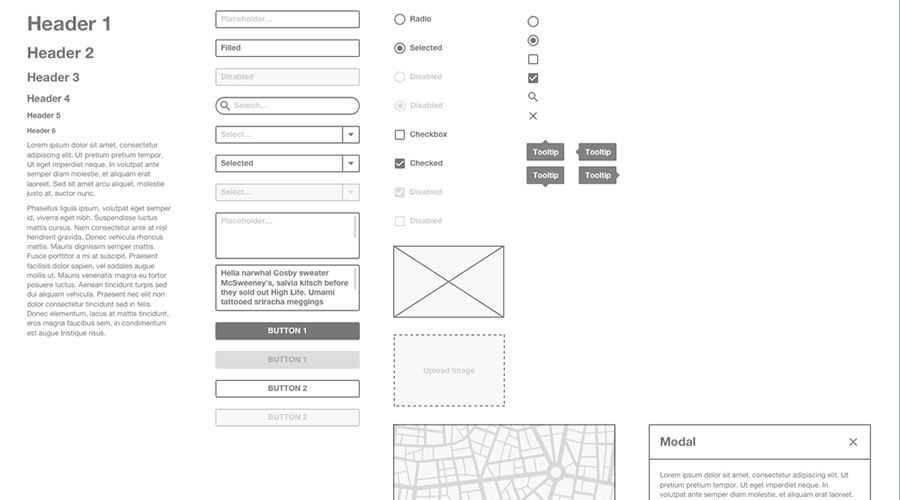
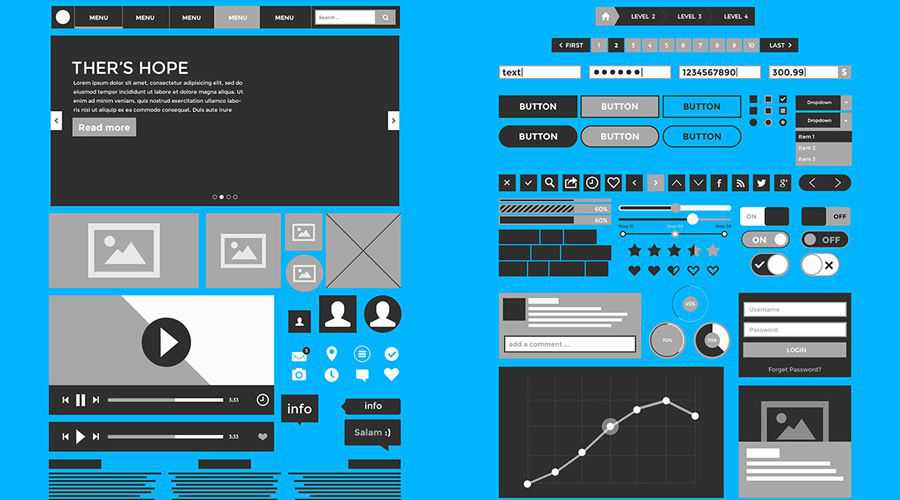
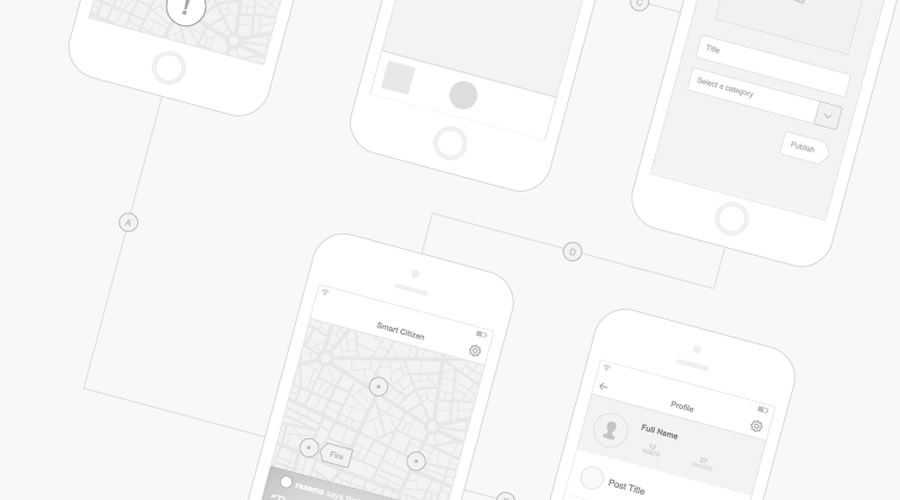
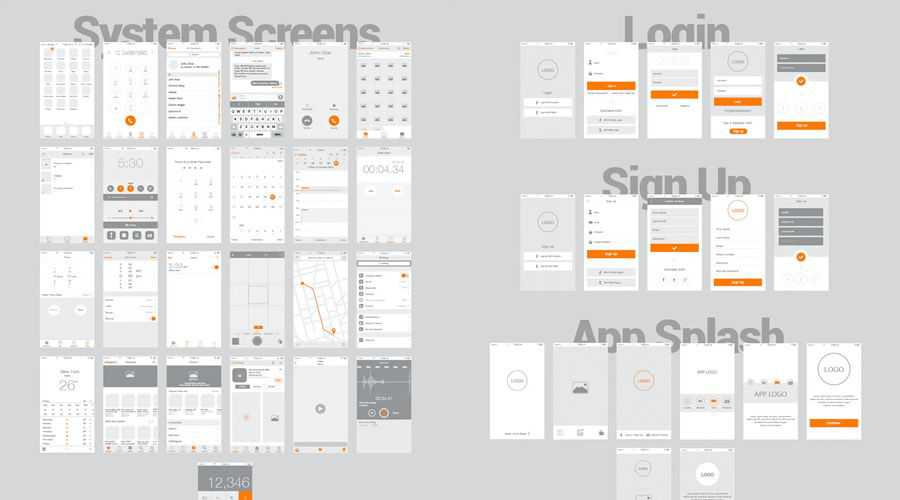
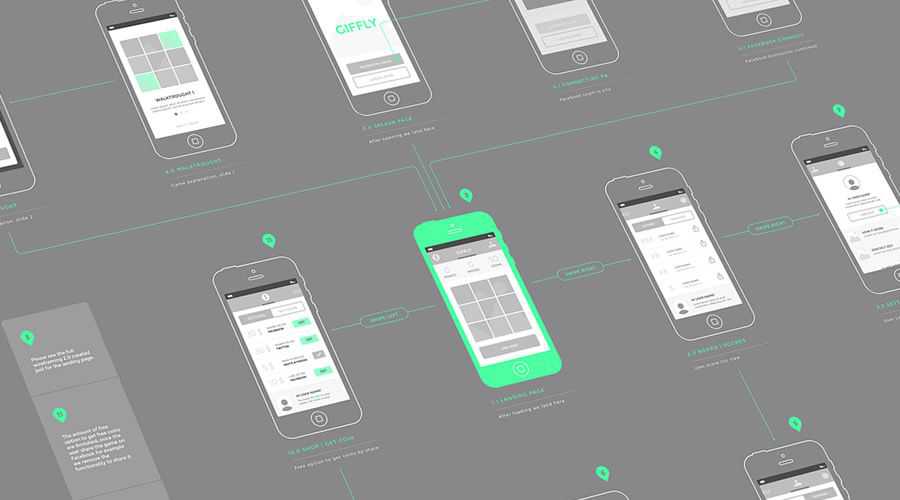
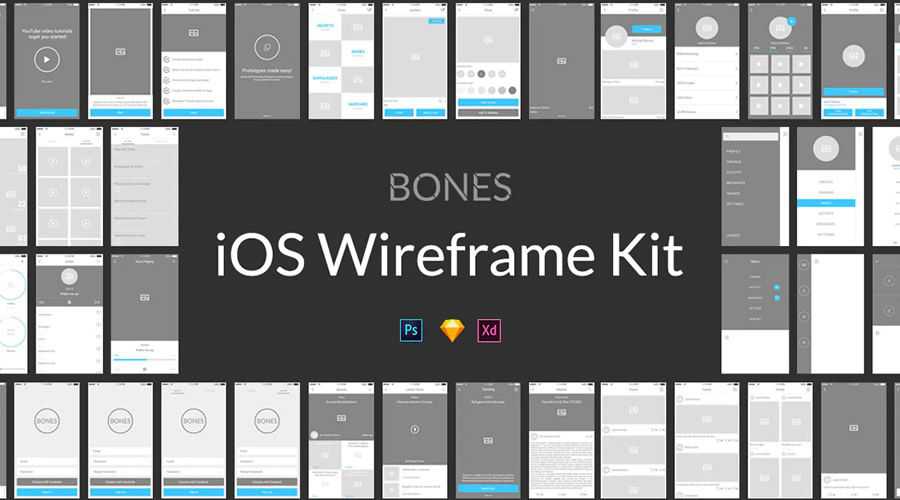
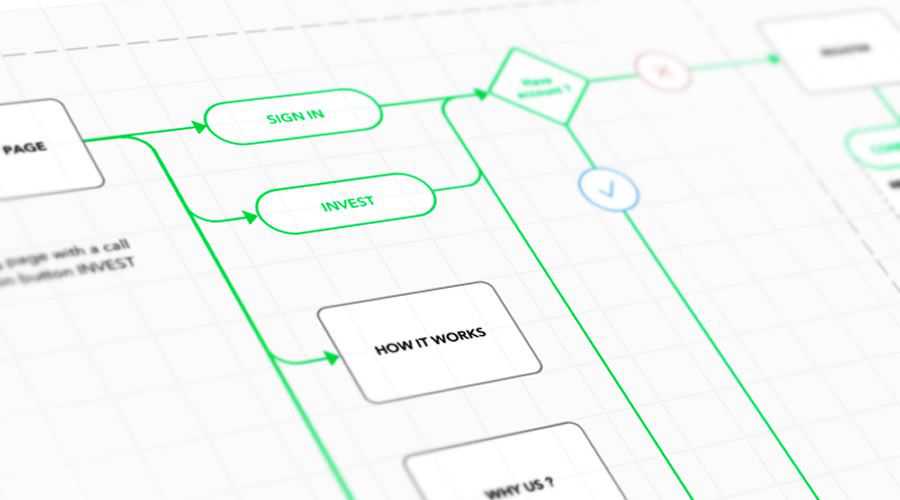
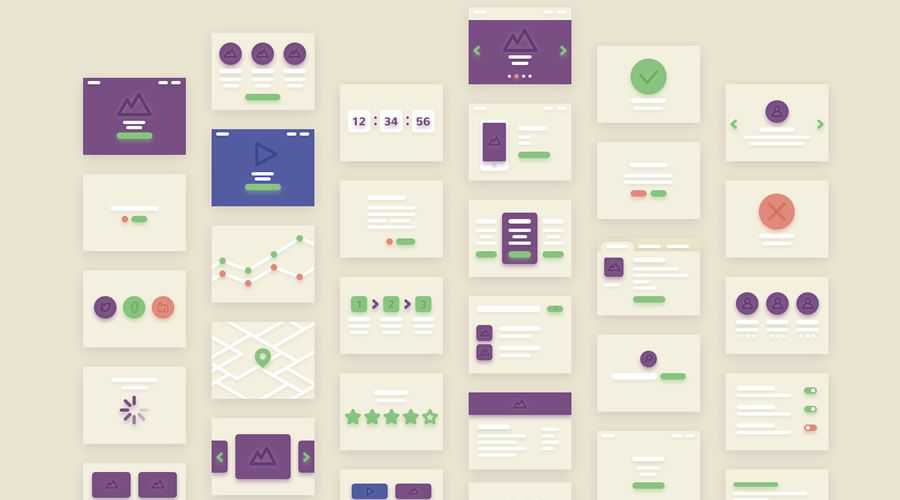
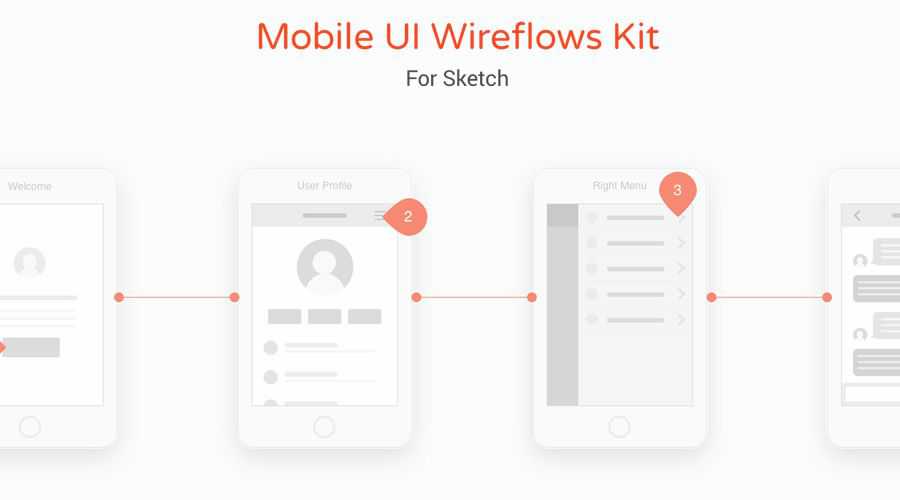
A wireframe is a visual illustration of one Web page. It is meant to show all of the items that are included on a particular page, without defining the look and feel (or graphic design). It’s simply meant to illustrate the features, content and links that need to appear on a page so that your design team can mock up a visual interface and your programmers understand the page features and how they are supposed to work.
Source: usabilty.gov
Pencil Project

The popular and fairly powerful Pencil Project is a free and opensource Firefox addon tool for making diagrams and GUI prototyping with a multitude of features.
With its built-in stencils for diagramming and prototyping, the option for multi-page documents with background pages, its on-screen text editing with rich-text support and with its new cababiltity of exporting to HTML, PNG or Openoffice formats, makes this addon essential for any developer or designer.
Web Site Wireframe Tool
The key to this tool is the simplicity of usage, lending itself to speed, both in wireframe creation, as well as being able to quickly share the results without having to send anything more than a web address.
This particular tool allows the wireframe to be built in minutes, and if desired, a link to view the wireframe can be sent through email, instant message, or even the phone. With both parties able to view the wireframe even from different locations, the wireframe can then easily be updated based on feedback, discussion, ideas, suggestions, and so on.
It is free to register and use, and works in modern web browsers including Internet Explorer and Mozilla Firefox.
Hot Gloo – The Online Wireframe App

The first thing you need to know about Hot Gloo is that it is in Beta, the second thing you need to know is that it is currently free, but with plans to charge a fee later on this year, so, grab your chance now while its free, its worth it.
HotGloo is an easy to use and intuitive Flash built web-based wireframe app, that can create conceptual interactive prototypes of a website in the early development stages.
Features include drag and drop facilities, layers, grid and snap to grid, a fair rew preset elements, interaction between the elements and you get your own custom HotGloo URL that allow you to share your mockup/wireframe with your clients.
DUB – DENIM

DENIM is a free desktop application that is available for Windows, Unix, and Mac OS X. It describes itself well as "an Informal Tool For Early Stage Web Site and UI Design".
It is an outgrowth of the original SILK project, a pen-based sketching tool for designing user interfaces. SILK combines many of the benefits of paper-based sketching with existing electronic prototyping tools. It allows designers to quickly sketch an interface using an electronic pad and stylus. SILK preserves the important properties of pencil and paper: a rough drawing can be produced quickly and the medium is flexible. However, unlike a paper sketch, this electronic sketch is interactive and can easily be annotated and modified using editing gestures. SILK allows the designer to extend the interactivity of the recognized widgets using storyboards
Mockingbird

Mockingbird is an online tool that makes it very easy for you to create, link together, preview, and share mockups of your website or application.
With its clean and clear interface, drag and drop functions, snap-to-grid, unlimited page linking and pretty much all the UI elements you could ever need, it all adss up to making Mockingbird our favorite wireframe app on this page.
MockFlow

Let me start by saying that MockFlow is not entirely free, there is a free package (limited to 1 Mockup with 4 pages and 10MB of storage) which, to be honest, really isn't much use to anyone. The premium yearly package costs $49 (reasonable price), which gives you unlimited mockups, unlimited collaborators, 500MB of storage and, most importantly it gives you access to the marvelous Mockstore.
MockFlow gives you everything you would expect from an online wireframe app, with one added bonus – its Mockstore. This is a large library of templates and presets that you can freely use (with the premium package) and will help speed up your workflow and give some added professionalism to your wireframe.
Prototype Composer – Free Prototyping Tool

Prototype Composer makes it easy for business users and business analysts to collaborate on requirements by building simple, high-fidelity prototypes that simulate a working application.
It is a tool for prototyping data, processes, activities and most importantly, user interfaces. The app also works as a Project Management tool, which is fairly simple to use, but a little bit too much for what I need, making this application more suited for a larger company.
fluidIA

FluidIA is an emerging agile design tool for prototyping rich user interfaces. This web based tool allows for rapid refinement and exploration of concepts using an object-oriented approach to design.
The big idea behind this experiment is whether a group of interaction designers, IA’s, UX professionals and developers can create there own prototyping tool in an open way. They have almost succeeded. FluidIA is still a little bit buggy, but looks very promising.
Cacoo

Cacoo is a user friendly online drawing tool that allows you to create a variety of diagrams such as site maps, wire frames, UML and network charts. It allows for multiple users to edit the same diagram in a simultaneous collaboration with all the tools and features you would expect from an online wireframe app
Diagrams created with Cacoo can be shared and allows you to paste the code into Web applications such as Wikis and Blogs, and when the original diagram is edited the pasted graphic will be automatically updated, removing the need to upload the diagram each time it is updated.
Lumzy

With Lumzy, you can create prototypes of how the site or application will function by adding events within your Lumzy controls. For instance, what happens when the user clicks a button? You can create Message Alerts, Page navigation or Links to external content, when your client interacts with your Mockup, yet with the hand drawn feel of a sketch.
With Lumzy, you can easily create your mockups and send to clients on the fly. It also features collaboration tools for team editing, a chat engine for deliberating over designs, file versioning and so much more.
iPhone Mockup Web App

This very simple web app allows you to create your own iPhone app mockups, share them with other people, and make changes which will by synced to everyone who has the mockup’s URL.
This app is currently in Alpha and offers no password protection (everyone with the mockup’s URL can access and change it), so use this app with care.
You might also like…
A Collection of Useful Web Design Wireframing Resources »
10 Online Tools and Apps to Help Optimize and Format CSS »
CSS References, Tutorials, Cheat Sheets, Conversion Tables and Short Codes »
The Blueprint CSS Framework – Tutorials, How-to Guides and Tools »
50 Essential Web Typography Tutorials, Tips, Guides and Best Practices »
50 Useful Tools and Generators for Easy CSS Development »
20+ Resources and Tutorials for Creative Forms using CSS »
24 CSS (in some cases with jQuery) Navigation and Menu Tutorials »
22 CSS Button Styling Tutorials and Techniques »
40 Comments › Leave yours
Leave a Comment
51 Trackbacks
- A Collection of Useful Web Design Wireframing Resources : Speckyboy Design Magazine
- Showcase Of Beautiful Vintage | WebDesigners
- Mockups – 10 gratisverktyg! « IT & Lärande
- 10 Completely Free Wireframe and Mockup Applications | Design Newz
- UI wireframe and prototyping resources « CyberText Newsletter
- More Thoughts on Agile Testing – Team Make-up « Tales from a Trading Desk
- links for 2010-01-11 at DeStructUred Blog
- Anonymous
- ワイヤーフレームやモックアップを作るのに便利なフリーソフト10本 | yuxu's notebook
- links for 2010-01-12 « Mandarine
- pligg.com
- フリーのワイヤーフレームアプリケーション10選 - ワイヤーフレームコミュニケーション研究会
- Sket på nettet den 14.01.10
- 10 Completely Free Wireframe and Mockup Applications : Speckyboy Design Magazine « Alicia Wilkerson
- Bri-K-Brak de la semaine du 11 au 15 janv 2010
- camestres.com » Links for 14/1/2010
- Eclecti.ca » Blog Archive » linkHive For Jan 15th
- pligg.com
- I’ll Link to That!
- yentit.com
- listmint.com
- Daily Digest for January 16th | More Than Scratch The Surface
- Diigo Update (weekly) «
- Plantillas imprimibles para ilustrar mejor nuestros prediseños e ideas | Carlos Zapata
- Wireframes | Weblog de Sergio Ortega
- 4 ways to combat usability testing avoidance | Front to back
- 10 Completely Free Wireframe and Mockup Applications « DC Guys’s Resource Sharing Blog
- tool me up and..use me, « Sign0ff
- The rise and rise of Balsamiq « Simpler is better
- OmniDownloads | 85+ Excellent Resources And Tutorials Especially For Designers To Discover The Best Of The Web In January
- FreeDownloadSecrets.com » Blog Archive » 85+ Excellent Resources And Tutorials Especially For Designers To Discover The Best Of The Web In January
- 85+ Excellent Resources And Tutorials Especially For Designers To Discover T… « nothing to see here
- Best of Januar 2010 - WordWeb-Blog
- Meine neusten Bookmarks von 22.08.2010 bis 20.09.2010 | knalleffekt.ch - ein Usability, Web 2.0 & User Centered Design Blog
- Sin tiempo para escribir.47
- Week 4a: Definition/Design Phase – Information Architecture « Core Studio: Interaction
- Links 230202010 - Plugin, Note, Streetwear, Web, Design, Blog - Ich.Mir.Mich
- La trousse à outils du webmaster | MACCILABO
- Top 40 list of lists 2010 « Web Hosting Blog | Heart Internet Official Blog
- Web Design | Hosterware UK: Web Site Hosting, Wordpress Hosting, Joomla Hosting, Prestashop Hosting
- Enlaces olvidados…. - KIT DE PRIMEROS AUXILIOS
- Mockupa rapiditos… - Blogaso
- Simplify Your Development Process with Wireframes | jiC
- تصميم واجهة إستخدام موقع الويب
- تصميم واجهة إستخدام موقع الويب | الخلاصات العربية
- تصميم واجهة إستخدام موقع الويب « يلا هوست
- Milton Andrade » Blog Archive » 10 Aplicações Wireframe e Mockup Totalmente gratuito
- Wireframe Software: 10 great wireframe and mockup tools to plan your new project | The 10 Most.com
- Design Insomniacs » Blog Archive » Prototyping Tools
- Best tools for iPhone mockups | Demian's Tech Blog
- SpaceJam » 誰でも幸せになれるワイヤーフレームの作り方


11 Jan, 2010
Thanks for the list. Cacoo looks good, giving it a try.
11 Jan, 2010
Never used wireframe mockups before, but this looks like something i would like to try and see how i get on with it. I think i’ll download Dub Denim and try that first.
11 Jan, 2010
Never really looked in to wireframes properly, so this article is a good start! Thanks a lot!
11 Jan, 2010
Great post! thanks for this I been try to finds a great website that i can build wireframes on but all of them, you need to pay a yearly or monthly fee.
11 Jan, 2010
Mockingbird is quite useful piece of software. I also tried iPlotz which seems to be quite good.
11 Jan, 2010
I use iplotz for all my UI designs (after the good old pencil and paper of course). It seems to work quite well
11 Jan, 2010
We’re comming full circle, soon these will be able to export HTML.
11 Jan, 2010
You should see Napkee combined with Mockups. They’re more competitive than anyone listed here!
11 Jan, 2010
Check out Balsamic, it’s pretty sweet and even has a “demo mode” where you can actually click buttons and links to preview interactions/navigation. Like another here, the free version is not all that useful but the low pricetag (like $50) is peanuts considering the time savings and the ability to use it on multiple projects.
http://www.balsamiq.com/products/mockups
11 Jan, 2010
In conclusion witch would be the best??
LOL great list (Y)
11 Jan, 2010
These are all really great programs. They will never match photoshop/fireworks, but they are still so useful.
11 Jan, 2010
you can’t forget about http://creately.com. Its a great, free tool that I use all the time.
24 Aug, 2010
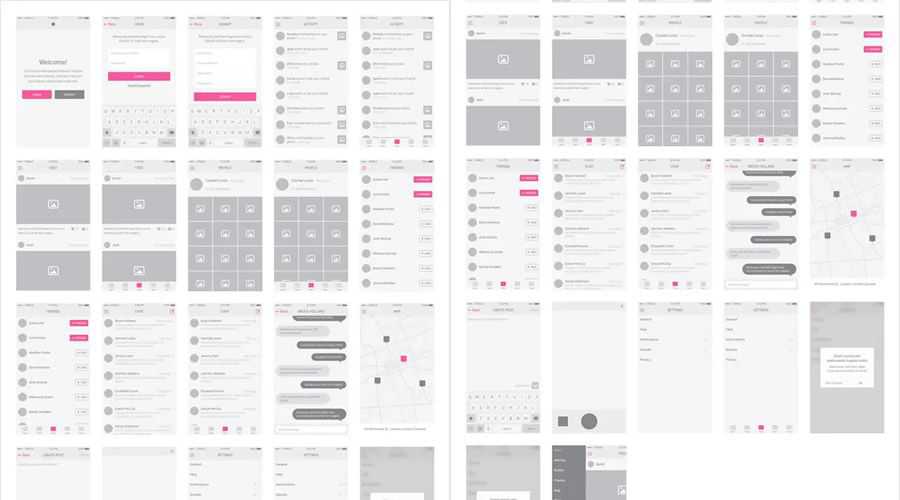
Creately is a great web app for creating mockups and wireframes. The best part about it is the smart shapes like Tabs, Tables, etc that can be dynamically customised to include additional row by simply typing in a new row of text. Love it.
11 Jan, 2010
How about CogTool which gives you an estimate about how hard your interface will be for a user to use.
http://cogtool.hcii.cs.cmu.edu/
It’s free and a reasonable mockup tool.
11 Jan, 2010
I’ve tried pencil. But it was really really hard to use. Still, nothing beats Omnigraffle.
11 Jan, 2010
nice post i have tried pencil with firefox nice extension and handy let me check more in that.
11 Jan, 2010
For me Pen and Paper is an amazing wireframing tool – not for free admittedly, but quite cheap.
12 Jan, 2010
Great list. I’m checking them out!
12 Jan, 2010
I love the iphone app mockup app that is fun to play with.
Every project I start the client asks what is the first step and I always say it is to develop the schematic. Personally I use Omni Graffel
But I love the idea of being able to forward this link to them for them to create what they would like to have in their website.
–
Thanks and Regards
Noel for Nopun.com
a professional graphic design studio
12 Jan, 2010
I love http://www.flairbuilder.com/ :)
12 Jan, 2010
Great list! We normally use sticky notes, scissors and pencils, but reckon there’s scope for taking these designs and trying them out in an app like these.
Gave Hot Gloo a quick go but feel it’s to structured for off-the-cuff wireframing.
MockingBird looks to be the best of the bunch.
12 Jan, 2010
I very much enjoyed and learning from it.
I am definitely bookmarking this page and sharing it with my friends.
12 Jan, 2010
nice mockup app thank you
14 Jan, 2010
Wow, I’ve never seen most of these apps.
I use balsamiq for wireframes; can anyone suggest one of the apps above as a compliment to it?
14 Jan, 2010
I would use flairbuilder more than anything here any day of the week, it makes interactive prototypes in seconds and it’s way cheaper than napkee + balsamiq. you should try it, I make all my wireframes in it.
14 Jan, 2010
Google sites work well for a simple website wireframe and content sharing. Not good for design though.
14 Jan, 2010
thank for posting it, first time i know
15 Jan, 2010
Add Protoshare to the list. They actually do a nice job of integrating documentation capabilities, plus sharing/messaging within the app to make it easier for other to review and comment on.
17 Jan, 2010
Great list, thanks. I was just looking for a nice free alternative to omnigraffle.
22 Jan, 2010
Yeah, this tools is very useful!
27 Feb, 2010
Excelent. It’s a great list of resources.
Thanks
4 Mar, 2010
These are all really great resources….. These resources are really really useful and save a lot of development time.
10 Mar, 2010
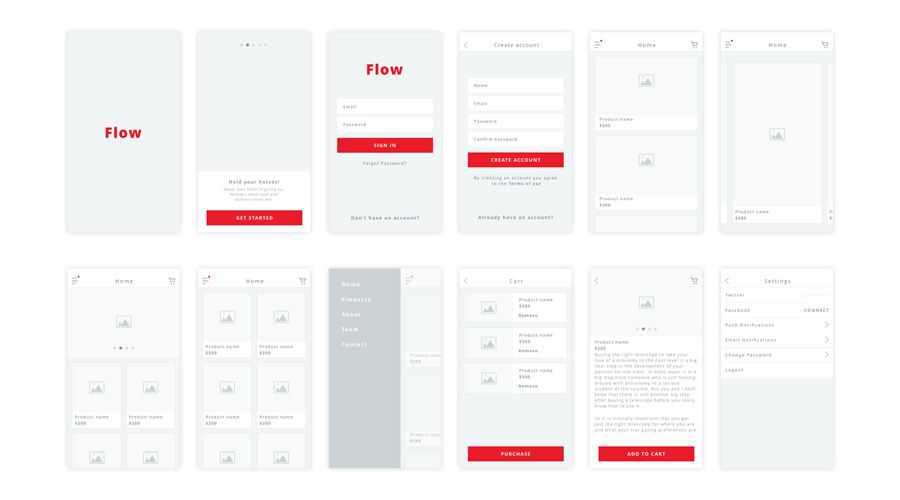
WireframeSketcher is not free but it can be. Open-source developers, non-profit organizations and generally do gooders can ask and get a free license.
WireframeSketcher is a mockup/wireframe tool that works with Eclipse-based IDEs such as Aptana, Zend Studio, MyEclipse, RadRails, Flex Builder and others: http://wireframesketcher.com
19 Mar, 2010
Great list, very useful!
15 Jul, 2010
Hi, thanks for the list!! I used mockflow for a while, then I changed to Mockingbird, both are very useful; I’ll give a try to Cacoo specially for the sharing-client-team feature… pencil project and Lumzy look good too!!
26 Jul, 2010
I created a Blueprint 960 Grid with Firefox browser chrome. Feel free to download it from my site http://www.nomadchique.com/free-design-tools/. Hope it helps!
4 Aug, 2010
At my former company, we had used the Serena Portfolio manager (was horrible experience), BUT their free Prototype Composer is one of the best tools I have ever used.
You can easily import WSDLs or UI’s directly from a web page, make mods, markup, etc, along with a workflow engine that allows you to model your logic thru Visio-esque flow diagrams.
The best part about this tool is that as you add requirements and map them to the wireframe, it keeps track of these in a document generator that spits out XML formatted Word docs for you to give to your Engineers.
For me, it eliminates the need for MS-Office tools completely and has drastically reduced the GTM time for applications I had to deliver.
9 Aug, 2010
Great resource. I have tried some of them and found that most wireframe and mockup tools using handwriting font face do not support asian characters and description in menu and elements.
I wish they can address the issue and allow select system font as a fallback.
17 Aug, 2010
Cool – good post. I’ve used SmartDraw at work, but would like something free to use in my spare time. Thanks for the links!
23 Aug, 2010
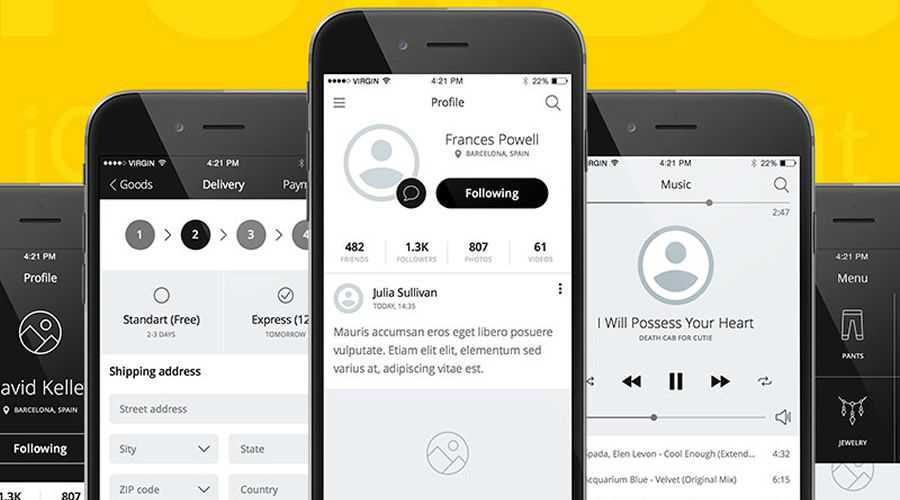
A helpful article, if not a little misleading now. As mentioned the majority of leading mockup tools in the list are only free in a limited (un-usable) basis and a payment plan is required to get what you need done.
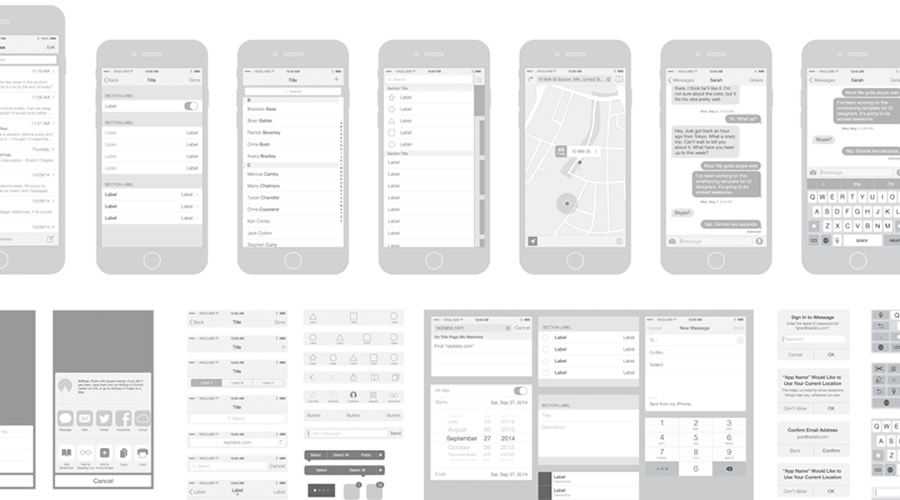
I have been using MockFlow for a while and really like it’s blend of features and usability.
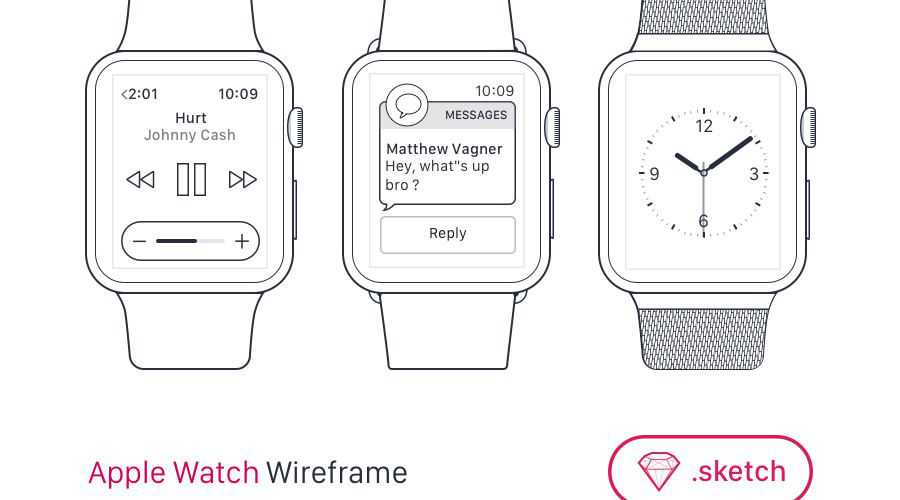
A few commenters have missed the point of these tools. They do not replace Photoshop/Fireworks. They do a completely different job. Those apps cannot produce working interactive, wireframes that allow clients to actually run through the UI of their site or app. I use MockFlow to perfect the UI then move to a design stage in Photoshop.