
PowerPoint is a powerful application that can help you create stunning slide decks for your presentations. However, with so much power and tools, it can be overwhelming for first-time users to get started.
We’ve created this collection of PowerPoint tutorials to help you learn how to use the application and start creating professional presentations quickly. Even if you are an experienced PowerPoint user, these tutorials include opportunities to learn new skills.
Starting with PowerPoint for the first time can be intimidating, but with the help of these tutorials, you’ll become a proficient PowerPoint user in no time.
You might also like our collection of free PowerPoint templates.
How to Learn PowerPoint Quickly
In this tutorial, you will learn the basics of working with PowerPoint by creating your first presentation. The tutorial also covers many PowerPoint best practices.

Microsoft PowerPoint Beginners Level 1
This is another beginner-friendly PowerPoint tutorial that will help you learn the ropes quickly. The tutorial covers everything from mastering the ribbon and using various tools to selecting slides and customizing backgrounds.

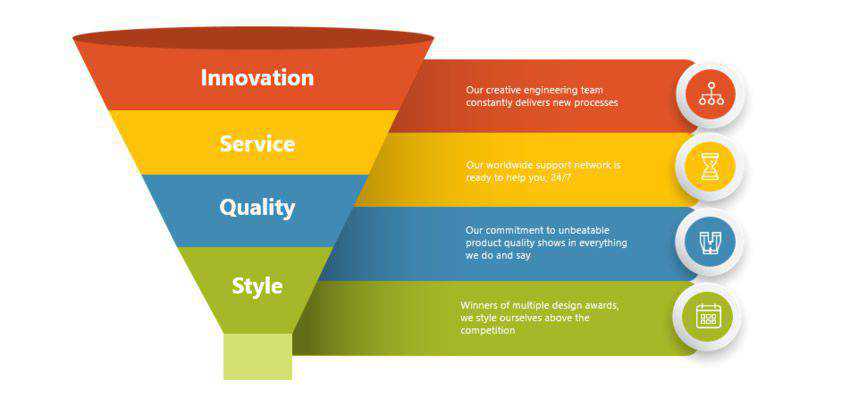
How to Make a Funnel Diagram in PowerPoint
It’s a well-known good practice that your slides should use minimal text. Learn how to reduce the amount of text you have with infographic elements and how to create them with PowerPoint templates.
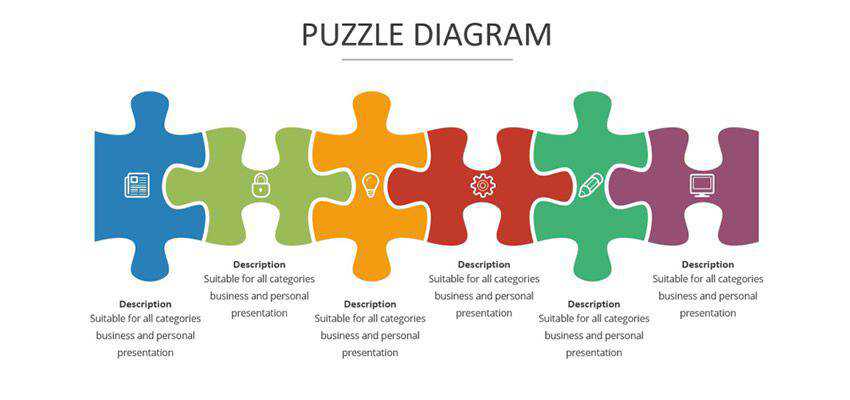
How to Create Puzzle Pieces in PowerPoint
Use this tutorial to learn how to make puzzle pieces in PowerPoint. It’s a creative way to tell your story and can help engage your audience better.
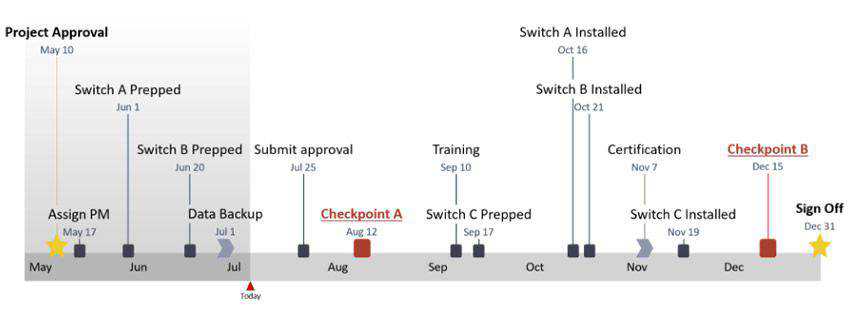
How to Create a Timeline in PowerPoint
A timeline is a great way to share a company’s story or your personal accomplishments. This tutorial will teach you how to create a timeline in PowerPoint from scratch.
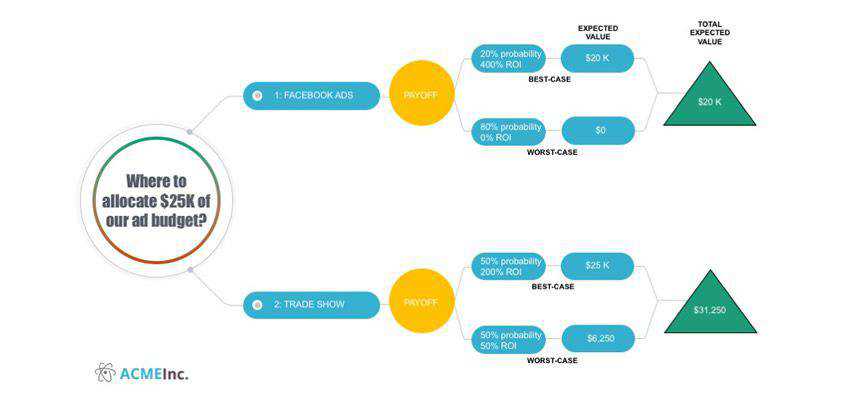
How to Quickly Make a Decision Tree in PowerPoint
Use a decision tree to show your audience how a specific process works in your company. Use this tutorial to make decision trees that will wow your audience.
How to Create an Animated Instagram Story in PowerPoint
Instagram stories is a great way to connect with your audience, and in this tutorial, you will learn how to make an animated Instagram Story. Use it to get more views on your story and your profile.

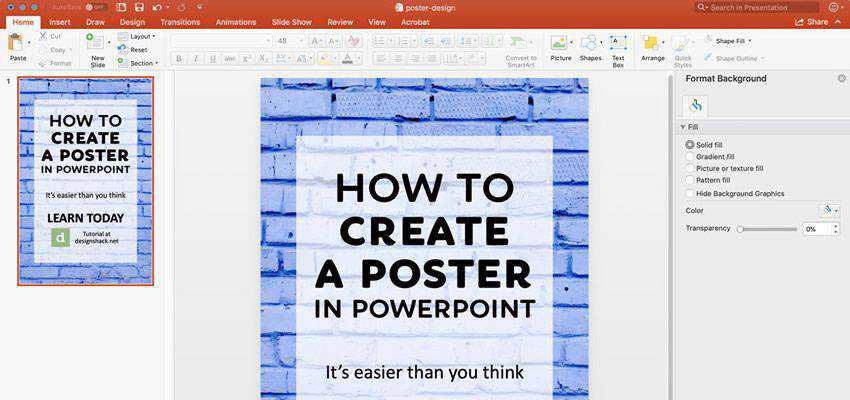
How to Quickly Make a Poster In PowerPoint
While PowerPoint is mainly used for presentations, it has several other uses. One such example is making a poster, and thanks to this tutorial, you’ll know how to do it quickly.
How to Create Animated Text Typography in PowerPoint
In this PowerPoint animation tutorial, you will learn how to make animated typography and use the gradient fill color. The tutorial also covers converting text into a shape using the gradient fill option.
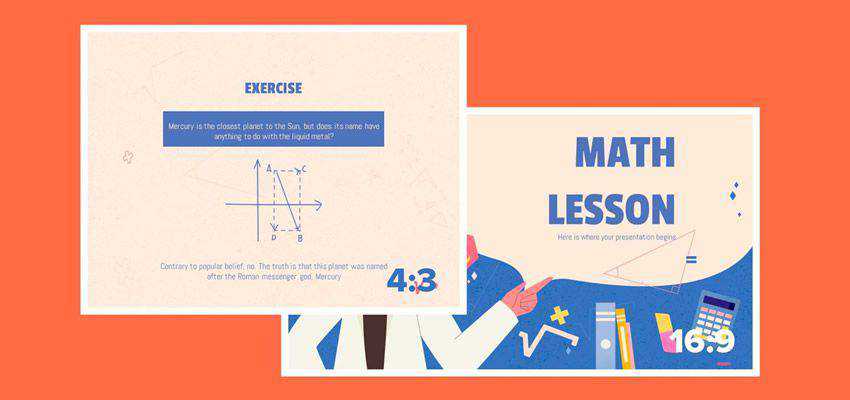
How to Change the Slide Size in PowerPoint
You’ve worked hard on your presentation, only to realize it doesn’t look great on the screen once you arrive at the venue. Fix that problem by learning how to change the PowerPoint slide size and aspect ratio.
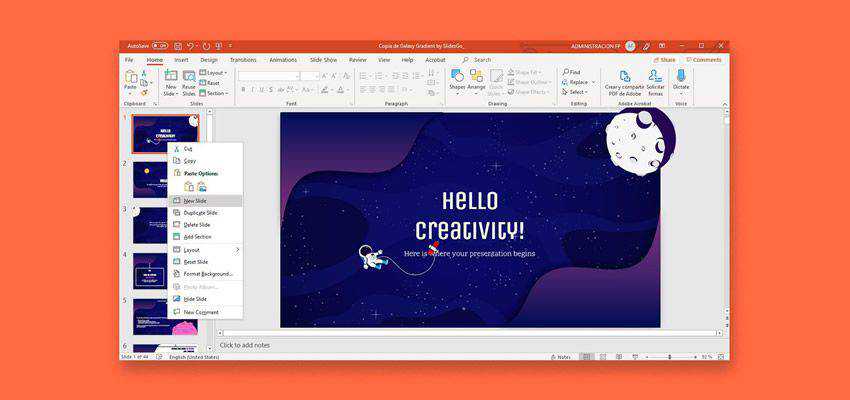
How to Add, Duplicate, Move, Delete or Hide Slides in PowerPoint
If you’ve downloaded a PowerPoint template online to save time making your presentation, you will likely need to rearrange slides and remove those you don’t need. This tutorial walks you through those steps.
How to Quickly Change Layouts in PowerPoint
Learn how to quickly change layouts in PowerPoint to create a beautiful presentations. Applying a layout also helps ensure everything is aligned correctly, so check out this tutorial.
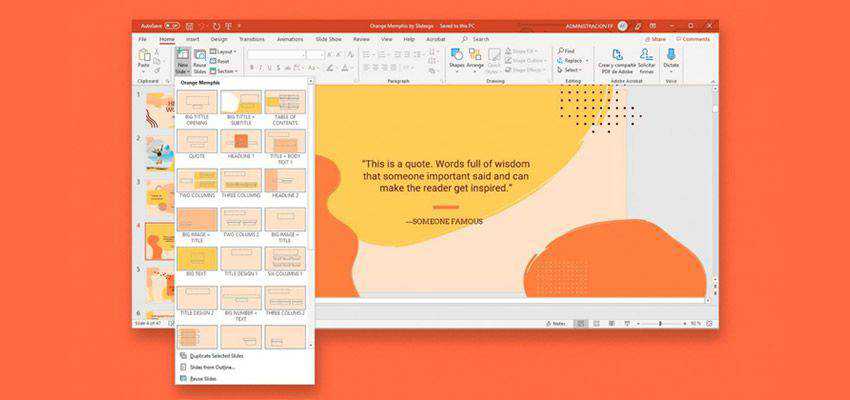
How to Convert & Insert a PDF to PowerPoint
This tutorial will be useful when you need to add PDFs to your PowerPoint presentation. It covers more than five ways to insert a PDF into PowerPoint.
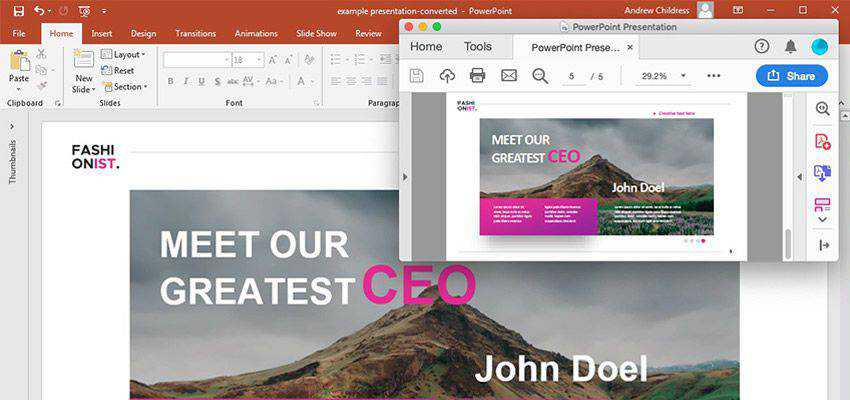
PowerPoint Tips and Tricks
This quick tutorial covers the most common PowerPoint tips and tricks many may not know about. These tips will help you become a better slideshow designer and presenter.
Related Topics
Top