
Integrating basic maps into your WordPress website is surprisingly simple. Google Maps provides an intuitive option where you can copy the embed code and place it into your website. This method is compatible with both the Gutenberg block editor and the Classic Editor, allowing a smooth integration regardless of your preferred editing tool.
But for users looking for more sophisticated map features, there is a range of free plugins available. These plugins are intended not just to add maps to your website but also to expand their capabilities, offering a richer user experience.
The beauty of these plugins lies in their flexibility and simplicity of use, making them accessible even to non-tech-savvy users. They cater to a variety of needs, from simple location markers to more complex navigational tools, as a result, improving your site’s overall functionality.
To help you get started, here’s a curated collection of ten free WordPress plugins. They have been specifically picked for their ability to introduce and improve map functionality on your WordPress website, ensuring visitors have a more interesting and informative experience.
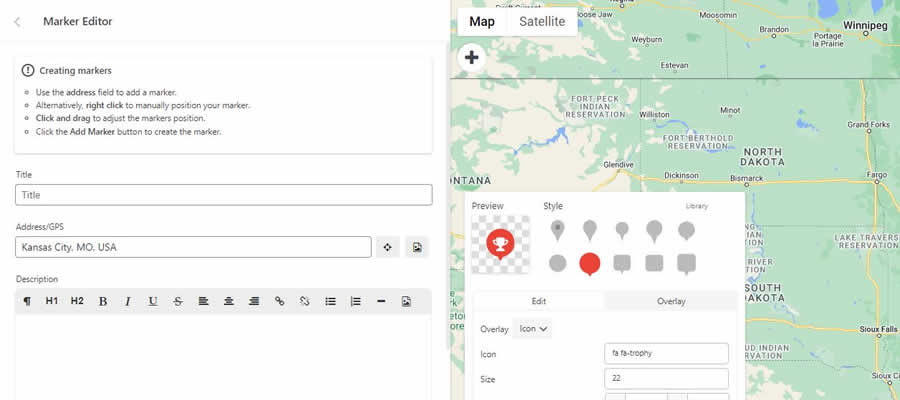
WP Google Maps Plugin
There’s plenty of flexibility with WP Google Maps. First, you can choose between Google Maps or OpenLayers APIs. From there, you can create a map with one or more markers and theme it to match your website.
As if that’s not enough, the plugin works via old-school shortcodes or via a custom Gutenberg block. The pro version adds useful features like directions, display templates, and KML/KMZ file imports.
WordPress Map Block for Google Maps
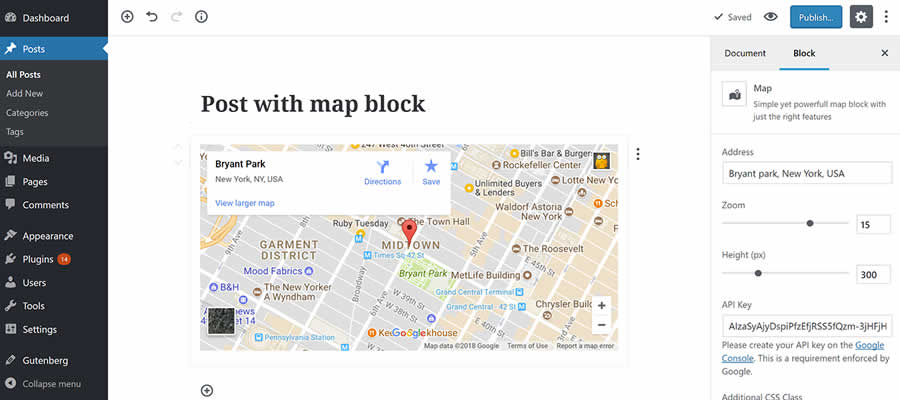
If you’re looking for a simple way to add maps to your WordPress website, Map Block is worth a look.
Working in conjunction with the Gutenberg block editor, it lets you quickly add a Google Map to any page. Options are limited to zoom level, map height, and (of course) the address you want to display.
WP Google Map Plugin
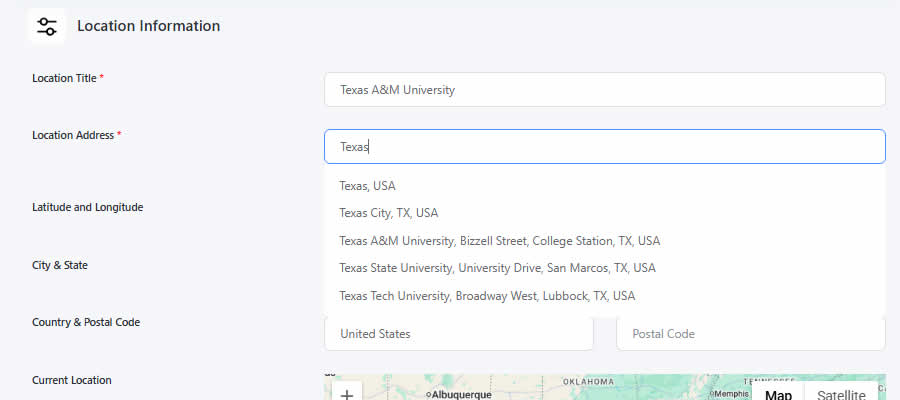
Use the WP Google Map Plugin to create custom, categorized maps for your website. Add your own touch by uploading a custom map marker, setting a custom zoom level, and choosing between four map styles.
The map’s information window can also be customized with your message. Pro users get the ability to cluster map markers, display map listings in grid or list formats, and more.
Gmap Plugin for WordPress
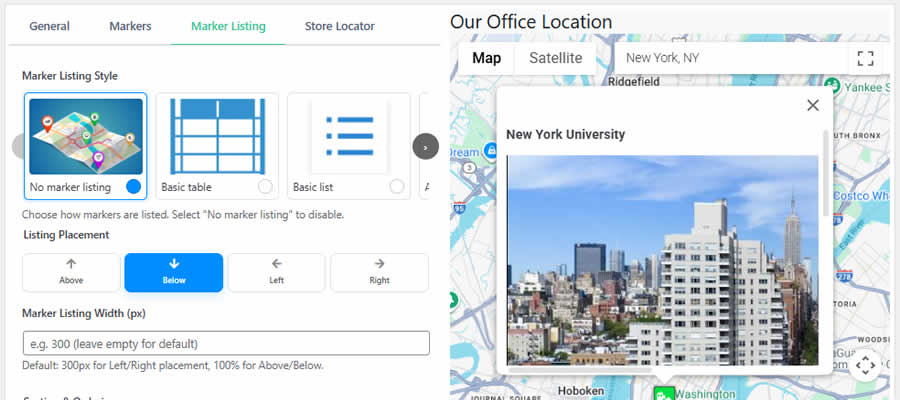
WP Google Map helps you build custom maps that can be embedded into your content via a shortcode (if you’re using the Classic Editor, a button is added to the toolbar).
The plugin lets users drag map markers around the canvas and switch their region/language. A premium version adds the ability to create unlimited maps and markers, as well as to add custom images to a location’s info window.
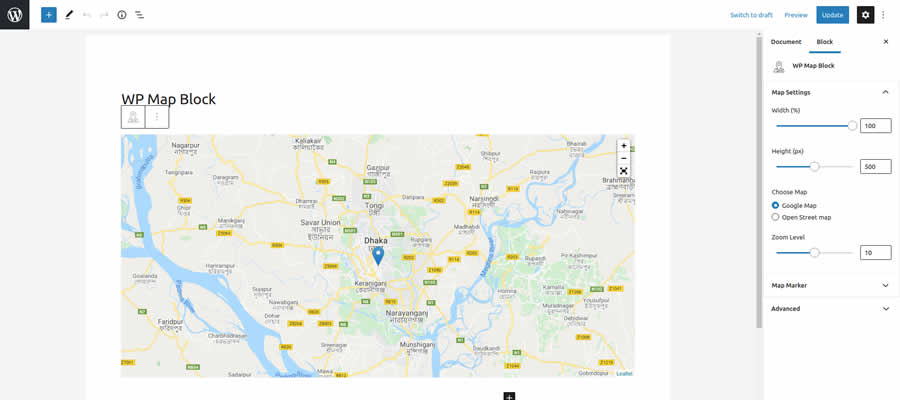
WP Map Block
Tired of messing around with API keys for Google Maps? WP Map Block doesn’t require a key, as it displays custom maps via an iframe.
Add multiple markers, set the desired zoom level and size – that’s all there is to it. If you don’t need the extra features that come along with the API, this is a great alternative.
MapPress Maps for WordPress
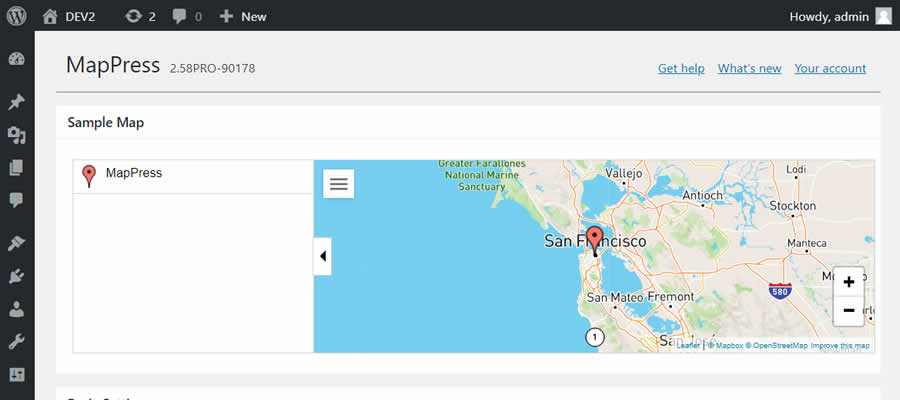
MapPress features a pop-up editor that makes creating custom maps easy. Maps can be created directly in the Gutenberg block editor (the Classic Editor is also supported), with plenty of customization options.
In addition, you can save maps to a “library,” which allows you to use them repeatedly throughout your website. A pro version offers support for custom markers, templates, and a “mashup” block.
WP Store Locator Interactive Maps Plugin
If your business has multiple locations, use WP Store Locator to add user-friendly, interactive maps to your website. Users will be able to filter locations by their radius and get driving directions to each location.
You’ll be able to add vital info such as phone numbers, business hours, and other custom metadata to each location. The look of your map can also be customized.
Google Maps CP WordPress Plugin
Google Maps CP lets you add location data to a WordPress page or post. It’s an interesting concept for news-based sites with reporters in various locations, or even for a travel blog.
Users can use this data to find related posts from the same area. Locations can be defined either by a physical address or point coordinates.

Google Map with FancyBox Popup for WordPress
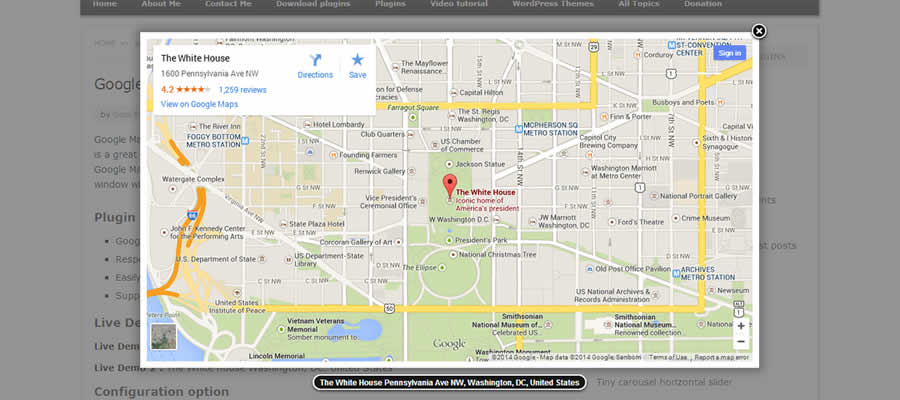
Rather than embedding Google Maps in your content, you can display it in a pop-up window with FancyBox.
This can be an excellent solution for sites that need to display multiple maps without affecting performance or distracting from other content.
GeoDirectory – Directory WordPress Plugin
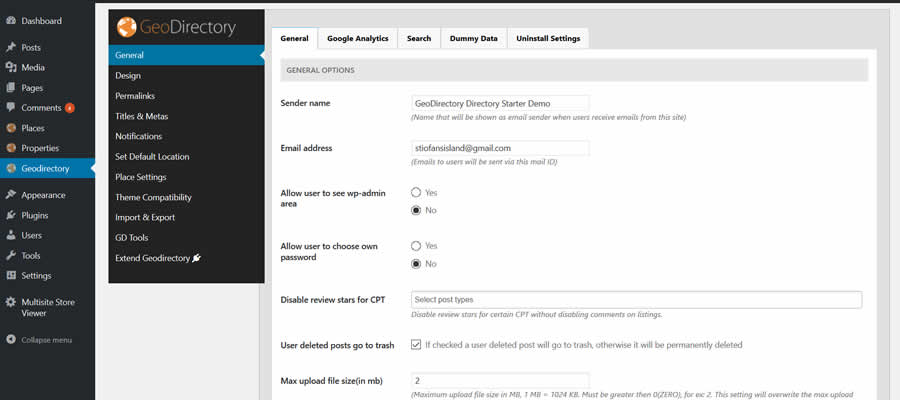
Use GeoDirectory – Directory Plugin to create a global (or regional) business or member directory for your website. The plugin supports CSV import (and export) to allow for fast directory building.
Google Maps WordPress Plugins at a Glance
| WordPress Plugin | Description | Primary Use |
|---|---|---|
| WP Google Maps | Creates maps with Google Maps or OpenLayers APIs, supporting multiple markers and theming options. | Customizable map creation. |
| WordPress Map Block | Simple Gutenberg block for embedding Google Maps with basic settings like zoom and height. | Gutenberg map block. |
| WP Google Map | Builds custom categorized maps with custom markers and styles, adding enriched location displays. | Categorized maps. |
| Gmap Plugin | Enables customizable maps with drag-and-drop markers and region/language switching. | Interactive map features. |
| WP Map Block | Displays iframe-based maps without API keys and supports multiple markers and zoom levels. | API-free map embeds. |
| MapPress Maps | Offers a pop-up editor for creating reusable maps with plenty of custom settings in editor blocks. | Reusable map blocks. |
| WP Store Locator | Builds interactive store or location maps with filtering, directions, and custom meta info. | Location directory maps. |
| Google Maps CP | Adds annotated locations to posts or pages, useful for news or travel content tracking. | Annotated location maps. |
| Google Map with FancyBox Popup | Displays Google Maps inside a pop-up window, giving a performance-friendly map presentation. | Popup map display. |
| GeoDirectory | Creates business or member directories with map support and CSV import/export for fast building. | Directory with map integration. |
Do More with Google Maps in WordPress
Adding maps to your WordPress website can go well beyond the basics. With the plugins above, you’ll be able to add more detailed information and interactive elements. Maps are also easier to create and customize than ever before. Use these tools to add a truly useful dimension to your site.
More Essential Free WordPress Plugins
Related Topics
Top