
WordPress and social media are a powerful combination. And there are plenty of ways to integrate services like Facebook, Instagram, X, or TikTok into your website. You can display social content on your site, enable user sharing, or add social login functionality.
The social platform landscape is also changing. The Fediverse makes it easier to integrate with services like Mastodon or Bluesky. It allows you to publish in multiple places via a unified protocol. The WordPress ecosystem has adopted this model.
Social media’s importance is clear in the number of available plugins. You’ll find options for top platforms that provide a variety of functions. There’s something available for every niche.
With that in mind, let’s look at some top social media plugins for WordPress!
ActivityPub WordPress Plugin
ActivityPub turns your WordPress website into a federated profile. It publishes your content to multiple platforms that support the Fediverse (Mastodon, among others). Followers will then see your blog posts in their feeds. The neat aspect is that your profile name is consistent across federated platforms.
Users follow you on the service of their choice and enjoy your content. It’s a great way to nurture an online community.

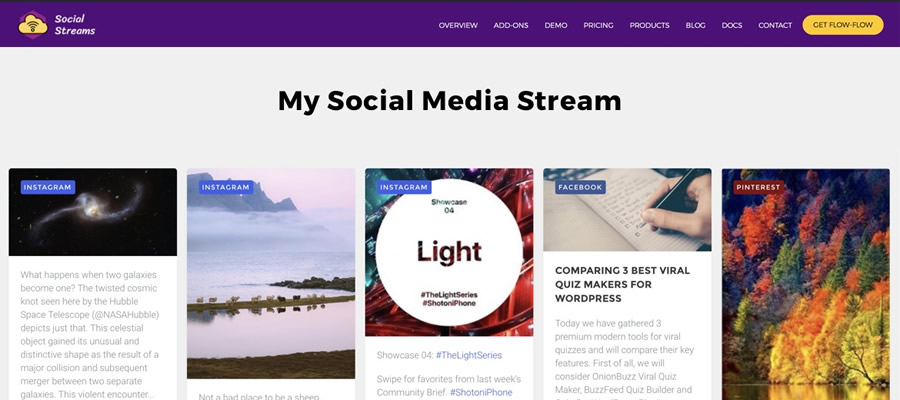
Flow-Flow Social Feed Stream Plugin
This plugin solves a longstanding problem for those posting to multiple social networks. It combines your Facebook, Instagram, Pinterest, and Twitter/X profiles into an attractive grid layout embedded on your site. It creates better awareness of your profiles and ensures users won’t miss anything.
AddToAny is a longtime favorite that makes it easy for visitors to share your content. It works with every social platform you can imagine – there’s also an option to share via email. In addition, you can customize the design and location of the plugin’s sharing UI. This plugin is perfect for taking full control of social sharing.

Open Graph & Twitter Card Tags Plugin
Open Graph is a protocol for sharing rich content on social platforms such as Facebook and Twitter/X. This plugin lets you customize the Open Graph tags generated for your content.
Thus, the content looks the way you want when embedded on social media. The plugin works with all WordPress content and integrates with WooCommerce, Yoast SEO, and others.

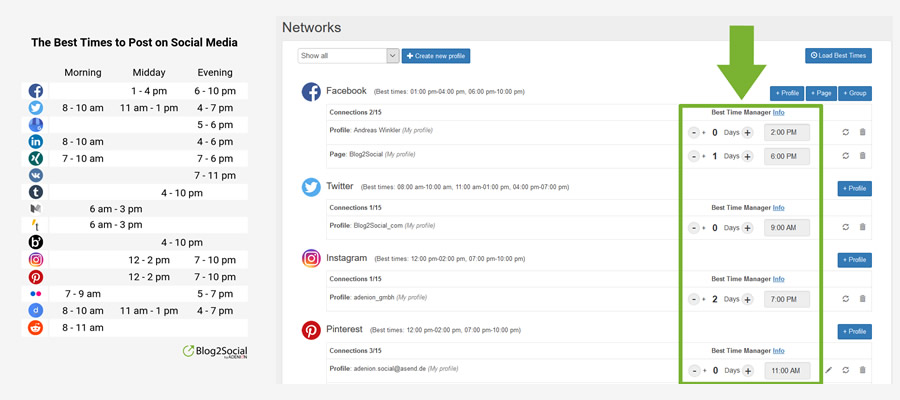
Blog2Social Social Media Auto Post & Scheduler
Posting links to your content across multiple platforms is a pain. Blog2Social makes it easier by automating the process.
The free version works with Bluesky, Facebook, LinkedIn, Threads, and more. There’s also an add-on for Twitter/X, and a premium version with advanced features. It turns a tedious task into a piece of cake.
WP Social & Register Social Counter Plugin
WP Social is a suite of tools for adding social media to your WordPress website. First, you’ll find sharing buttons for a selection of social platforms. You can customize the layout and services displayed.
A social counter shows how many times your content was shared on a particular service. Lastly, a social login/registration function lets users create an account using one of nine compatible services (Facebook, GitHub, Google, etc.). It may be the only social plugin you need.
Jetpack Social Plugin
You can use Jetpack Social to automate content sharing and increase engagement. Share posts and WooCommerce products automatically and use the included scheduling tools to choose the perfect timing.
The plugin integrates with multiple services and adds helpful tools to the Block Editor. If you have a Jetpack Social plan, you’ll have access to the social image generator feature.
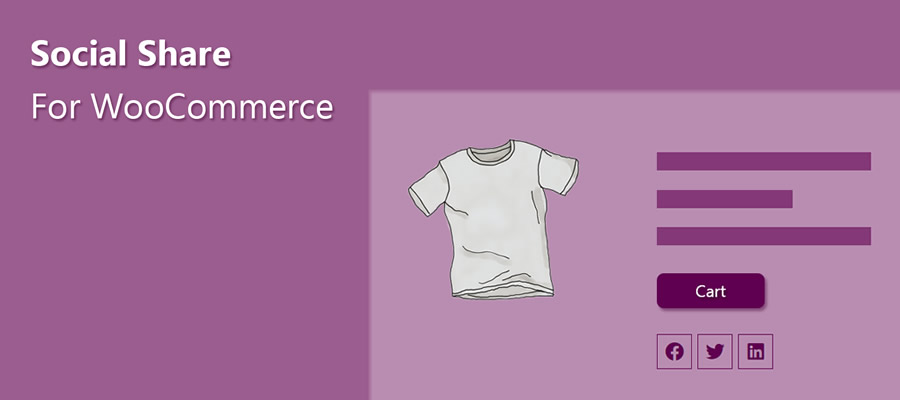
Here’s a plugin that helps spread the word about your WooCommerce products. It adds a custom set of social sharing icons to individual product pages.
Here are options for icon placement, shape, and order. There’s also a handy “copy to clipboard” option so users can grab your product’s URL. The pro version includes a “floating” icon bar, tooltips, and more.
Smash Balloon Feeds for YouTube WordPress Plugin
Video creators will love Feeds for YouTube. It’s a tool for easily embedding a YouTube channel into your WordPress website. You can customize the look of your feed and even display multiple feeds.
The plugin checks for new videos hourly (or at a custom interval), so your site will always show the latest content. The Pro version adds compatibility with live broadcasts via the YouTube Live API.

Product Feed Pro for WooCommerce
Use AdTribes to expand your WooCommerce store’s reach. The plugin generates product feeds that integrate with services such as Facebook and Google. Filtering options let you choose which products and what product data are included in your feed. Now, customers can view your products right from their social feeds.

WordPress Social Media Plugins at a Glance
| WordPress Plugin | Description | Primary Use |
|---|---|---|
| ActivityPub WordPress Plugin | Turns your WordPress website into a federated profile that publishes content into fediverse platforms such as Mastodon. | Fediverse and federated posting. |
| Flow-Flow Social Feed Stream | Combines feeds from social networks (e.g., Facebook, Instagram, Pinterest, X) into an attractive grid layout embed. | Combined social feed display. |
| AddToAny Share Buttons | Adds customizable sharing buttons for a wide range of social platforms, including email sharing. | Social sharing buttons. |
| Open Graph & Twitter Card Tags | Lets you customize Open Graph and Twitter Card metadata so content previews look how you want on social platforms. | Social metadata (OG/Twitter Cards). |
| Blog2Social Auto Post & Scheduler | Automates posting links to your content across multiple social platforms with scheduling support. | Auto-posting and scheduling. |
| WP Social & Social Counter | Suite of social tools including share buttons, social counters, and social login/registration options. | Social tools and login. |
| Jetpack Social Plugin | Automates social sharing of posts and WooCommerce products with scheduling and editor integrations. | Automated social sharing. |
| Social Share for WooCommerce | Adds social sharing icons to WooCommerce product pages with placement and style options. | Product social sharing. |
| Smash Balloon Feeds for YouTube | Embeds a customizable YouTube channel feed into your site with automatic updating. | YouTube feed display. |
| Product Feed Pro | Generates product feeds that integrate with social platforms like Facebook and Google, with filtering options. | Social product feeds. |
Add Social Media to WordPress
Integrating social media into your website has real benefits. For example, embedding a feed adds dynamic content and builds awareness. Even better, feeds are relatively simple to set up. From there, it’s smooth sailing.
The other big benefit is the opportunity to add functionality. Social logins make it easier for users to register for your site. And product feeds entice users to visit your online shop.
The idea is to reach people where they are. The options above (and the untold number of other social plugins) help you do so. The possibilities are almost limitless.
More Essential Free WordPress Plugins
Related Topics
Top